Reset
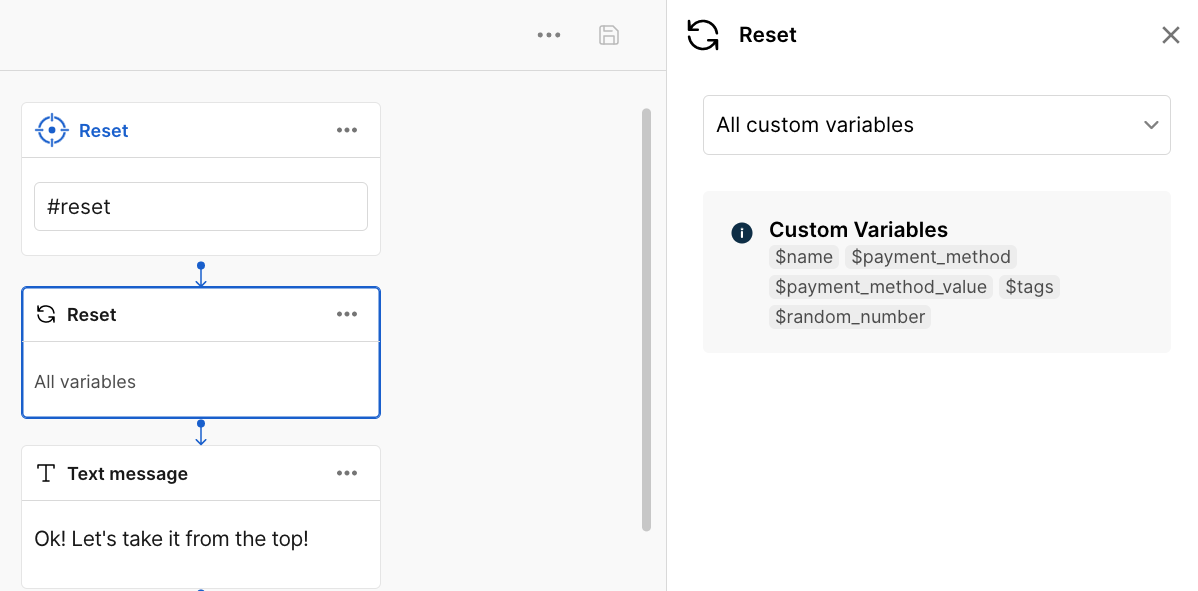
Your AI Agent remembers users' responses but can also reset any value in a flow when needed. This means that if you were going to ask for the user's phone number, but they have already provided it, your AI Agent won't ask for it again.
A reset removes either all the context variables or specific ones.
For example, if a user types something incorrectly by mistake, give them the opportunity to correct it. Use a reset to remove the variable where the user stored their information, then prompt them to enter it again.
Choose between resetting all or specific variables.
- When you select All variables, all the variables in the dialog are reset. User, bundle variables, and tags are not reset.
- When you select Specific variables, you must specify all the variables you want to reset.
With this option, you can also reset user variables, except for
$user.user_id.
note
System variables are not eligible for reset.