AI response
An AI Response lets the agent generate a reply on demand at a specific step in a dialog, instead of sending a fixed, scripted message. When the conversation reaches the step, the agent writes a tailored response that fits the user and the current context.
When to use it
Reach for an AI Response instead of a text response when a single, fixed message isn't enough:
- The reply needs to adapt to what the user said or to their context.
- The answer depends on information the agent looks up at that moment, such as content from your knowledge base or data from a connected tool.
- You want the agent to handle a step in its own words while still following your guidance.
The AI Response always respects your agent's overall instructions. You can optionally add step-specific guidance that applies only to this step.
AI Response guidelines
The only setting is an optional AI Response Guidelines field. It is a rich text editor where you guide how the agent should respond when this step runs.
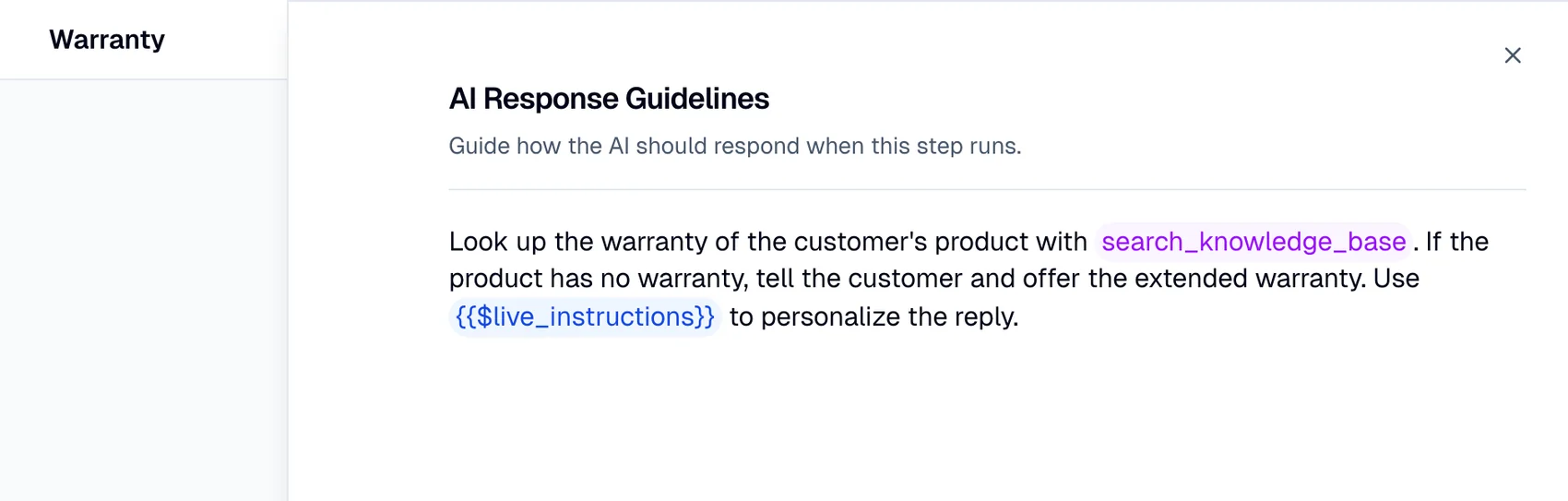
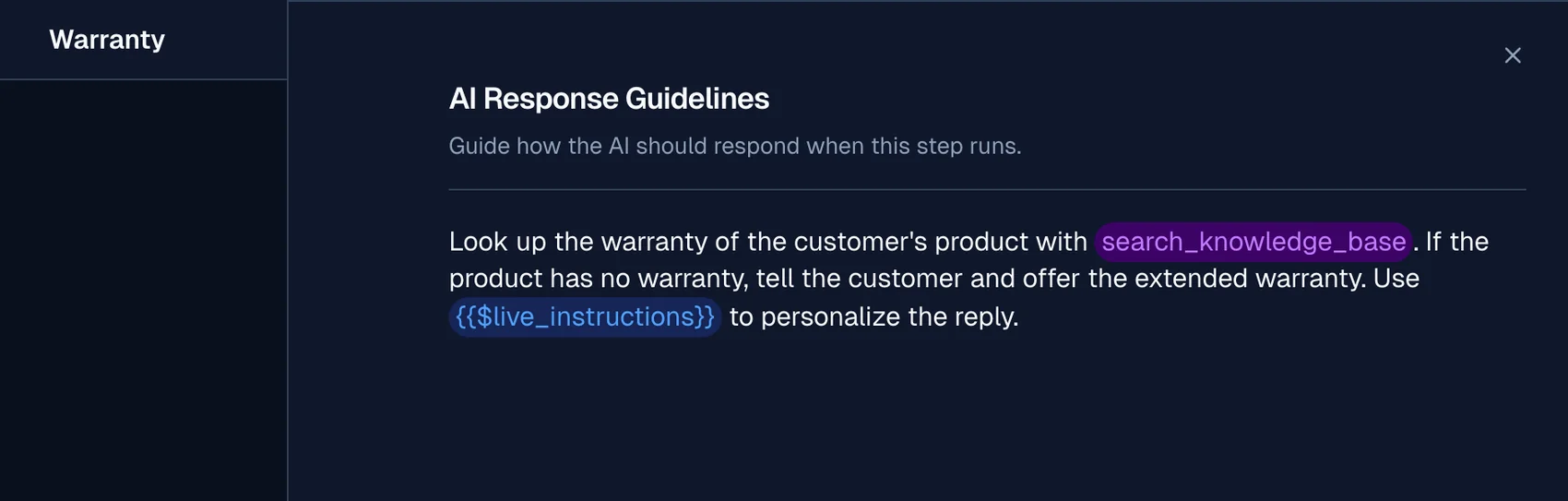
Within the editor you can:
- Type
@to reference the agent's tools and point it at a specific tool for this step. - Type a dollar sign ($) to reference context variables and personalize the response.
If you leave the field empty, the agent still replies. It uses its general instructions and knowledge, without any step-specific guidance.
Keep guidelines focused on this step only. Broad, agent-wide guidance belongs in your agent's general instructions, not in every AI Response step.
Using tools and knowledge
While generating the reply, the agent can search your knowledge base, call connected MCP tools, and trigger a workflow, all as part of the same response. This lets a single step both fetch the information it needs and answer with it.
The response is produced by the model configured in your model strategy.