Carousel response
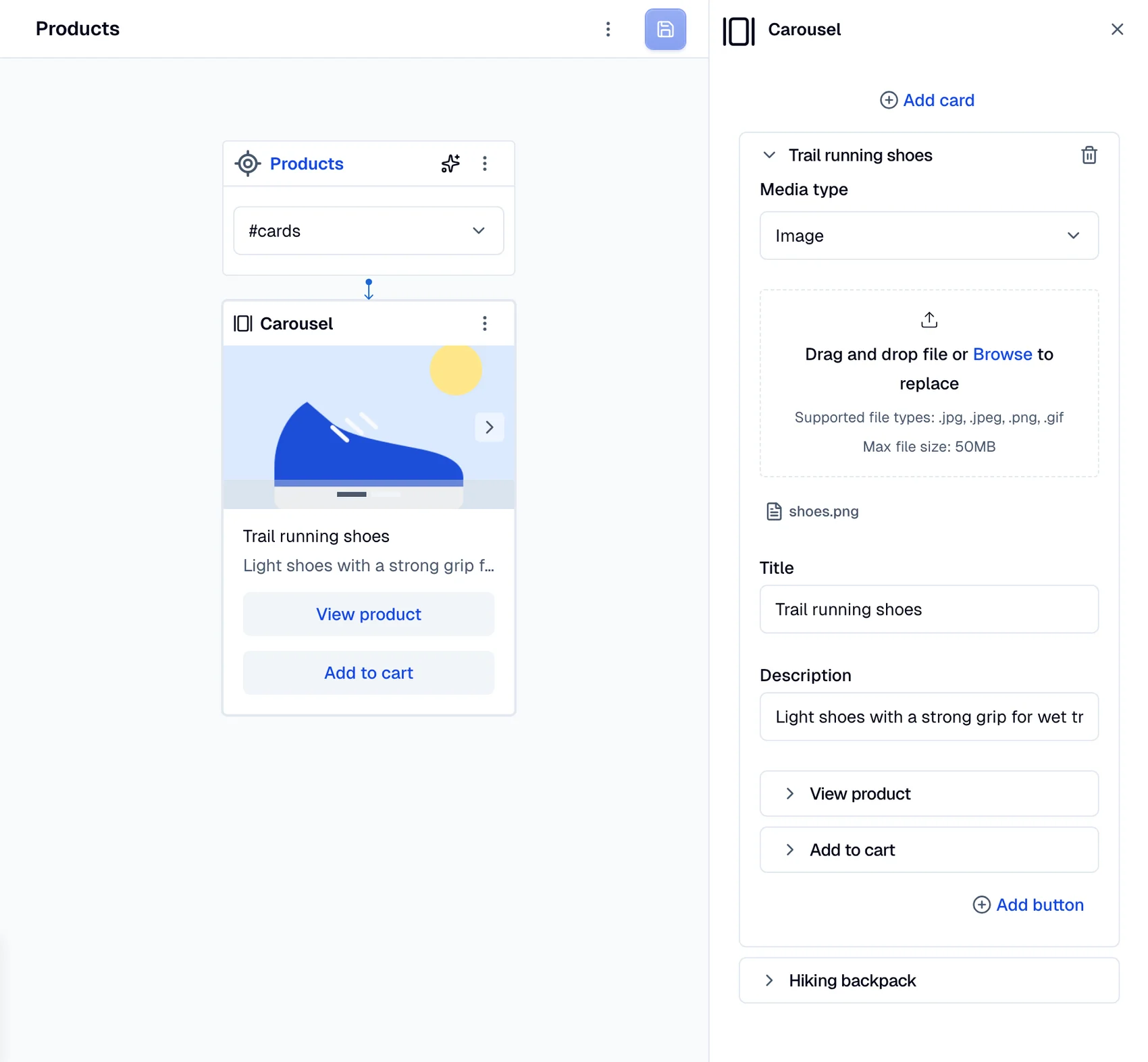
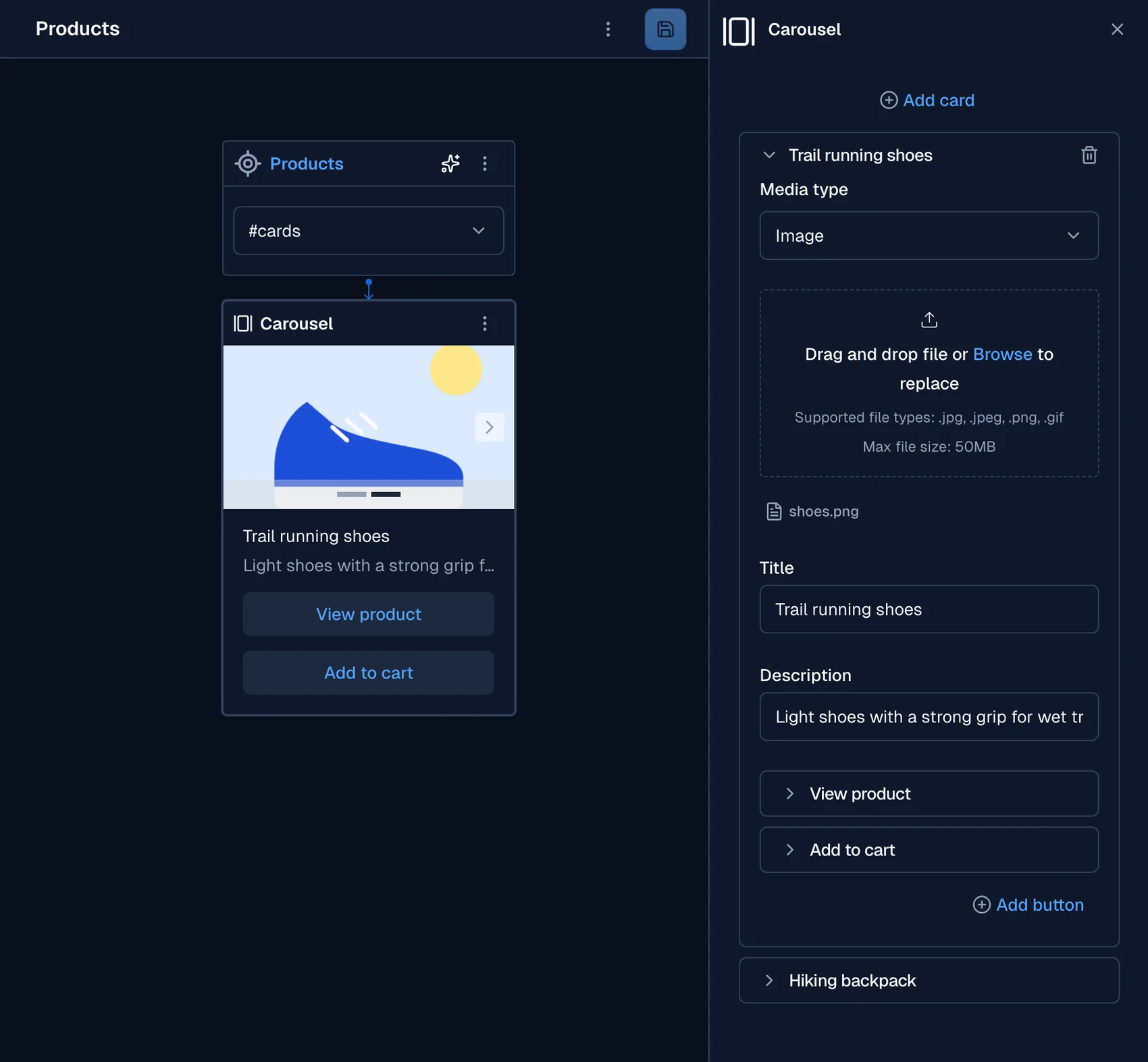
The carousel is an ideal response format when you need to display multiple items in one view. Carousels can contain up to six cards, each consisting of the following fields:
title: The title of the card.subtitle: A short description or subtitle for the card, up to 160 characters. Some channels show fewer characters. See Subtitle length.media: An image or video to display in the carousel. It includes the following sub-fields:type: Specifies whether the media is animageorvideo.url: The URL of the media.
default_action(Optional): An action triggered when the media is clicked, with the following sub-fields:type: Can bepostback,url,webview, orphone.value: The value associated with the action type.
buttons: Each card must have at least one and up to three buttons, formatted as follows:label: The text displayed on the button.type: Can bepostback,url,webview, orphone.value: The value associated with the button type.
note
Postback responses provide the same result as options.
Subtitle length
A card subtitle can have up to 160 characters. Some channels allow fewer characters. On these
channels, Moveo cuts a longer subtitle to the channel limit and ends it with ....
| Channel | Subtitle limit |
|---|---|
| Facebook Messenger | 80 characters |
| 80 characters | |
| Sunshine Conversations | 128 characters |
| Zendesk Chat | 150 characters |
The web widget and WhatsApp show the full subtitle. On Instagram, a phone button becomes text at
the end of the subtitle, with the button label and the phone number. Moveo cuts the subtitle first,
so the subtitle and the phone text fit in 80 characters.
If a subtitle has more than 80 characters, the carousel editor shows a warning.