Webview response
Overview
A webview can be used when it is necessary to collect a large amount of information from the user. It offers a similar experience to a common website, where the user interacts with a static HTML page. This is typically used to complete a form, register for an event, or any other applicable scenario.
note
A webview can only be used with Webchat, Facebook Messenger, and Viber, and must be hosted on a public URL.
See the step-by-step guide on how to create a webview.
Fields
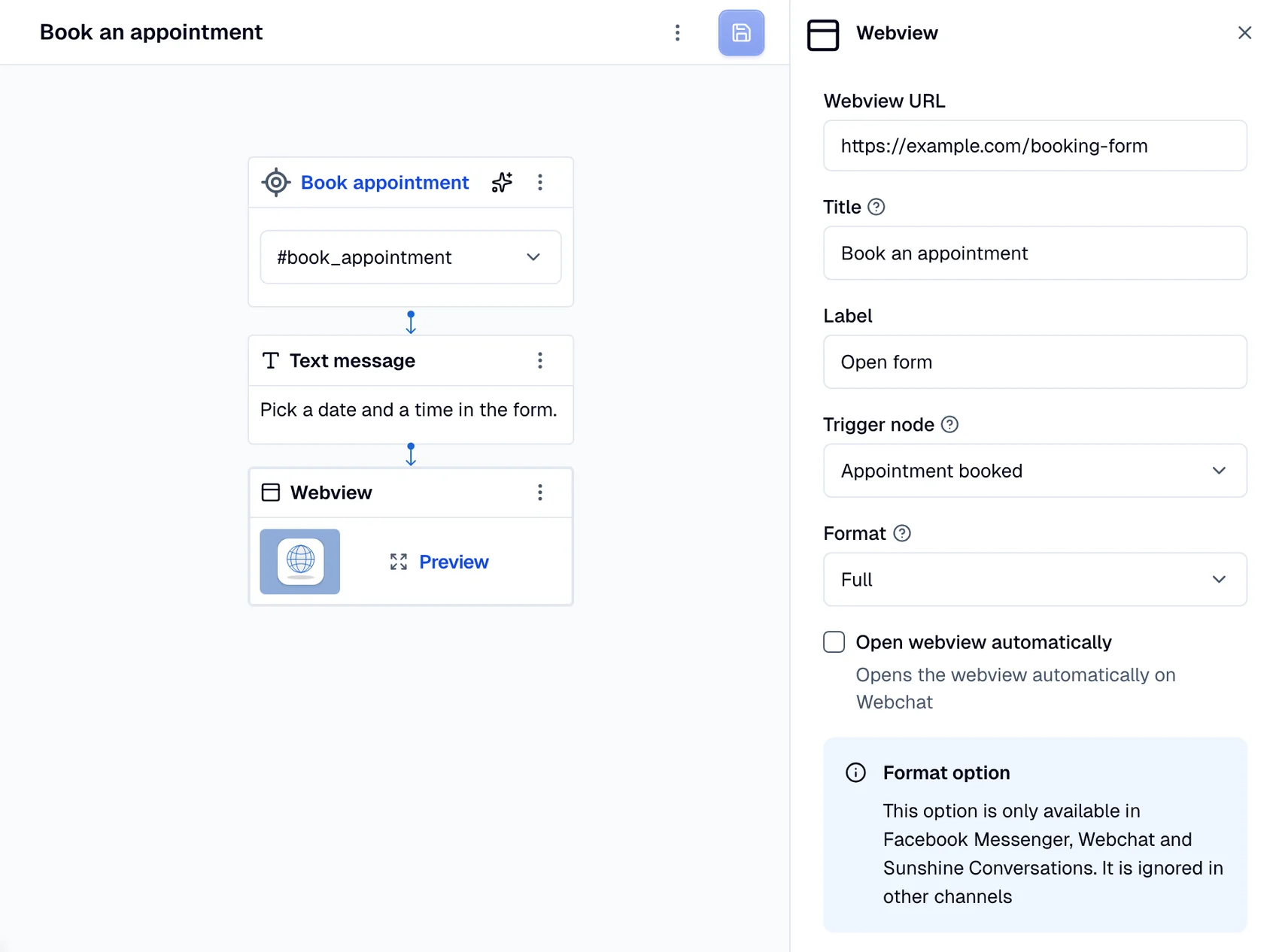
A webview contains the following fields:
url: A valid and public URL to the webviewname: The text shown at the top of the boxlabel: The text that appears on the buttontrigger_node_id: The trigger node that the flow returns to when the user closes the webviewheight: The height of the webview window
note
The height option is only available in Facebook Messenger, Webchat, and Zendesk Sunshine.
- Dialog
- Chat