Event trigger
Event triggers are the links between different dialogs. They connect two or more dialogs together. Moveo breaks down the obsolete tree-like bot structure and uses many small, independent parts that interconnect with each other. The conversation moves from one dialog to another without a break.
How to use an event trigger
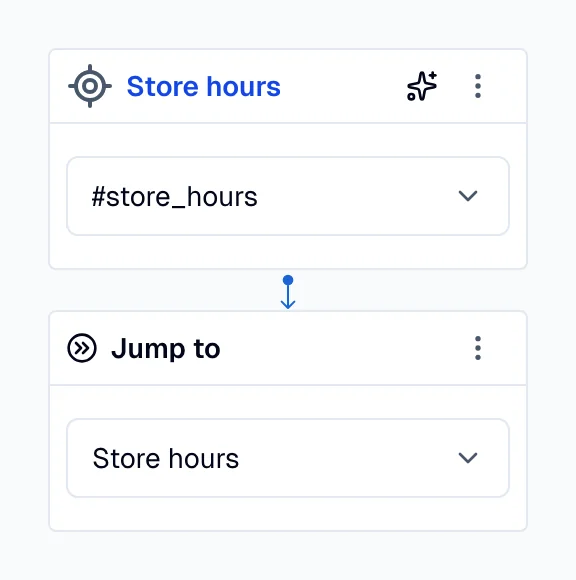
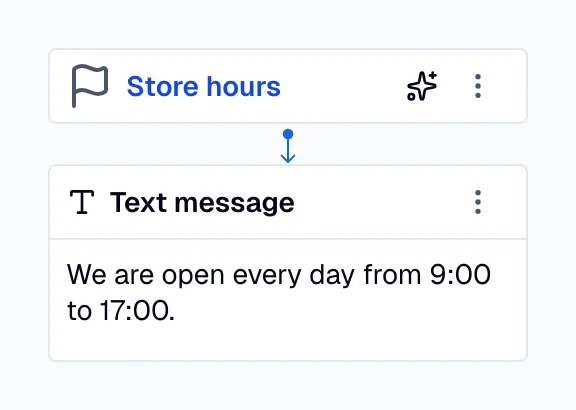
Use the event trigger to create a reusable dialog flow. Link it to a specific moment in a conversation using the Jump to action.
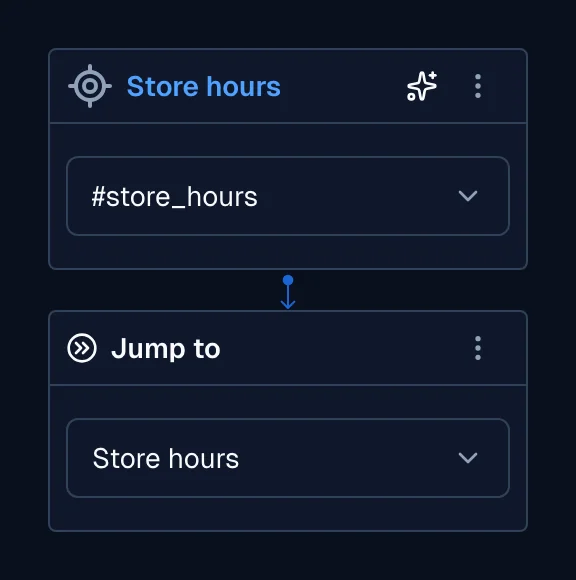
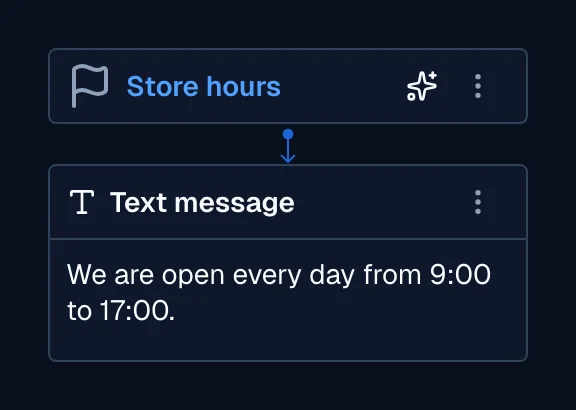
In the following example, the Jump to action (left) triggers the dialog that has an event trigger as its parent node (right).
| Jump action | Event trigger |
|---|---|
  |   |