Campaigns
Overview
Campaigns reach your audience across multiple channels and route every reply to an AI agent. Upload a contact list, define how the agent engages each person, then track results from one place.
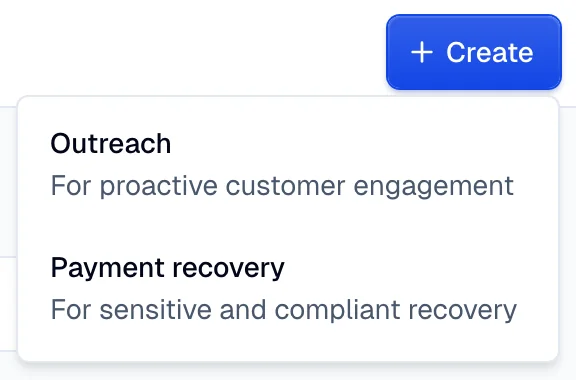
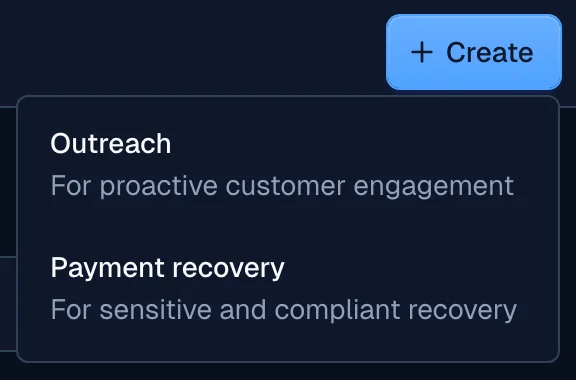
Moveo offers two campaign types. Both share the same foundation (an audience, an AI agent, and multi-channel messaging), but they serve different goals.
Campaign types
Outreach
Proactive engagement for marketing and lifecycle messaging, such as promotions, reminders, and re-engagement. An outreach campaign sends a primary message, retries with a fallback if delivery fails, and follows up when a contact stays silent.
See Outreach campaigns.
Payment recovery
Regulated debt collection that contacts people with overdue balances and works toward a resolution, such as a promise to pay or a completed payment. Payment recovery captures debt details per contact and, with autonomous actions, runs under a compliance profile.
See Payment recovery campaigns.
How a campaign works
Every campaign shares the same building blocks, regardless of type:
- Audience: Upload a CSV of contacts. The platform previews each row and flags issues, such as missing contact details or duplicates.
- AI Agent: Choose the AI agent that handles replies. The dropdown lists each AI agent's draft and published versions.
- Tags: The campaign name generates a matching tag for filtering conversations. Add more tags for reporting or routing.
- Message journey: Define how the campaign reaches contacts, either as a fixed sequence or with autonomous actions.
- Scheduling: Send immediately or schedule a future launch with date, time, and timezone.
- Tracking: Follow campaign status, subscriber activity, and message logs after launch.
Autonomous actions
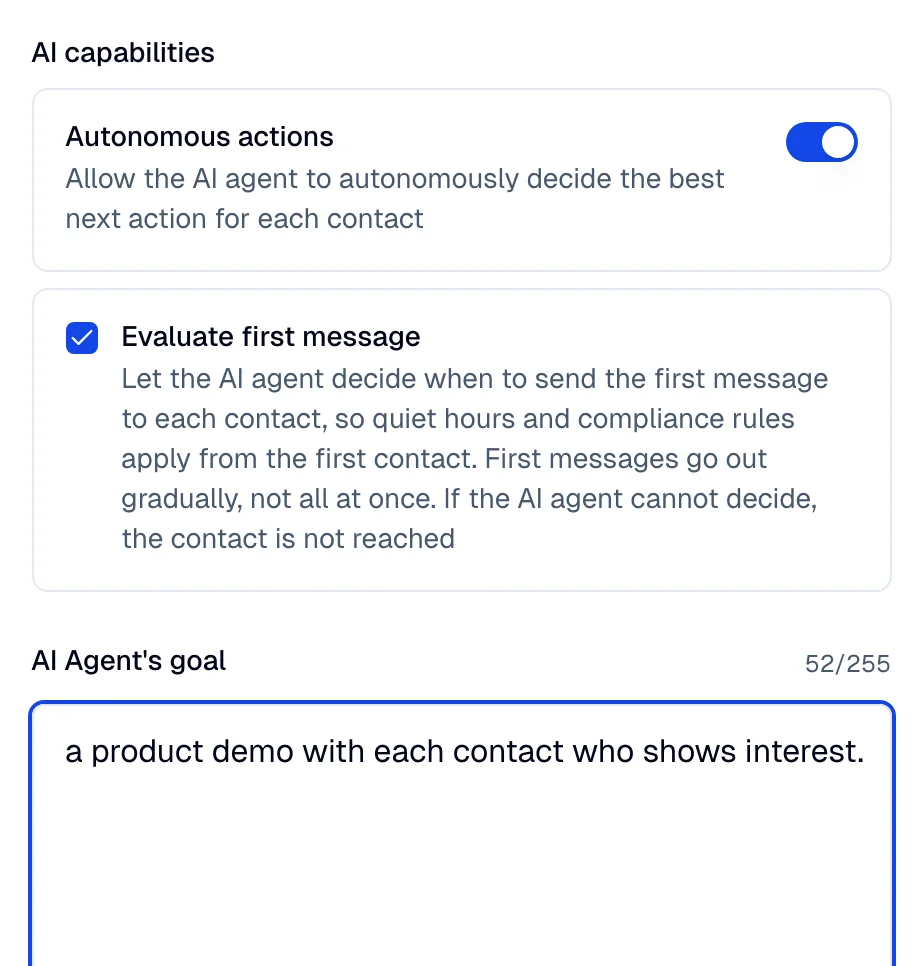
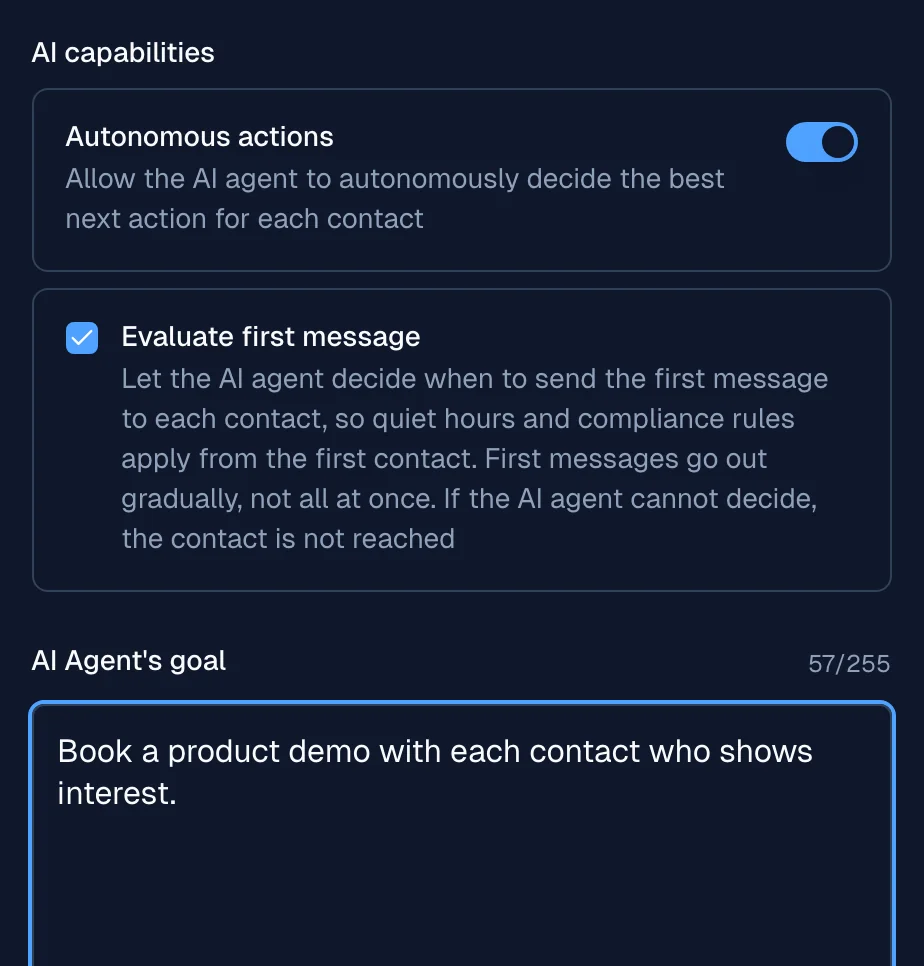
Autonomous actions let the AI agent decide the best next action for each contact, instead of following a fixed message sequence. When you turn them on, the campaign becomes agentic: the agent chooses the channel, message, and timing per person to work toward a goal you define.
Autonomous actions is a capability you turn on during campaign setup, under the AI capabilities section. It applies to both campaign types.
Standard versus autonomous
| Aspect | Standard campaign | Autonomous actions |
|---|---|---|
| Message flow | Fixed: primary, fallback, follow-up | Chosen per contact by the agent |
| Channel | Set per step | Selected by the agent |
| Timing | Fixed delays | Adapts to contact behavior |
| Goal | Not required | Required |
Setting a goal
When autonomous actions is on, the campaign needs a Goal. It defines what a successful conversation achieves. How you set it depends on the campaign type:
- Outreach: Enter the goal as free text, such as booking a demo or confirming an appointment.
- Payment recovery: Select a goal from the dropdown, such as Promise to pay (PTP) or Claim of payment. You also need a compliance profile.
The goal guides the agent's decisions for every contact. Keep it to a single, measurable outcome.
Evaluate first message
When autonomous actions is on, the Evaluate first message checkbox shows below the Autonomous actions switch. It is off by default. Select it to make the AI agent approve the first message to each contact before it goes out. The agent picks the send time for that message. As a result, quiet hours and compliance rules apply from the first contact.
This setting has two trade-offs:
- First messages go out gradually, not all at once.
- If the AI agent cannot decide, the contact is not reached.
You can change the setting only before the campaign starts. If you turn off autonomous actions, Moveo clears the checkbox. In the API, the setting is nba_config.evaluate_first_message.
Follow each contact
With autonomous actions on, the Conversations tab of the campaign adds a Next action column. It shows the next step of the AI agent for each contact. Hover over a value to see the exact time. Times use the time zone of the contact, if it is known.
| Next action | Meaning |
|---|---|
| Starts and a date | The campaign has not started yet. |
| Deciding | The AI agent is choosing the next step now. |
| When the conversation ends | A conversation is open. The agent decides again after it ends. |
| A time and next attempt | The next contact attempt is scheduled for that time. |
| Retrying | The last decision failed, and the agent tries again. |
| Nothing scheduled | The contact is active, but no next step is planned. |
| On hold | The contact is paused, the debt is in dispute, or a legal hold applies. |
| Finished | The goal is achieved, or the campaign ended. |
| A stop reason | The campaign does not contact the person again. Examples are Stopped manually, Stopped by the AI agent, and Opted out. |
Select a row to open the journey of the contact. The Next actions section shows the plan and its reason. The journey also shows each manual stop and resume, so you can tell a stop by your team from a stop by the AI agent. To stop or resume one contact, use Stop for subscriber or Resume for subscriber in the row menu.
For a contact with Nothing scheduled, select Re-evaluate in the Next actions section. The AI agent then decides the next step again. The button shows only while the campaign is in progress and the contact is not stopped. It also needs the Campaigns group at Can edit.
The contact page shows the same next action on each campaign card. In the API, GET /v1/contacts/{contact_id}/campaigns lists the campaigns of a contact, and each row of a campaign with autonomous actions has a next_action field.
Compliance profiles
A compliance profile is part of the autonomous agent. When you turn on autonomous actions on a payment recovery campaign, you select a compliance profile. The profile applies protections that respect legal restrictions, such as quiet hours, frequency caps, and stop-contact requests. Outreach campaigns do not use compliance profiles.
See Compliance profiles for the available profiles and the rules each one enforces.
Choose a campaign type
- Reach your audience with marketing or lifecycle messaging → Outreach campaigns
- Recover overdue payments under regulatory rules → Payment recovery campaigns