Views
When human agents handle a large volume of conversations, views help you organize and filter them. A view segments conversations by specific conditions and criteria.
Similar to rule conditions, views filter conversations by their properties. Each view belongs to one environment. A view that you create in one environment is not visible in the others.
Conditions
Conditions filter conversations by their properties. Besides the standard conditions shared with rules, views offer one more condition:
Conversation status
- Open: Conversations that have an active session that has not expired. A human agent can still answer them.
- Closed: Conversations that can no longer receive messages. A conversation is closed when its
status is
resolved,expired, orclosed by the user. - Missed: A conversation that closed without a response from an AI agent or a human agent. Typically, these conversations expire before anyone answers them.
Create a view
To create a view:
- Go to Chat.
- Hover over the Views tab in the left sidebar.
- Select the + icon.
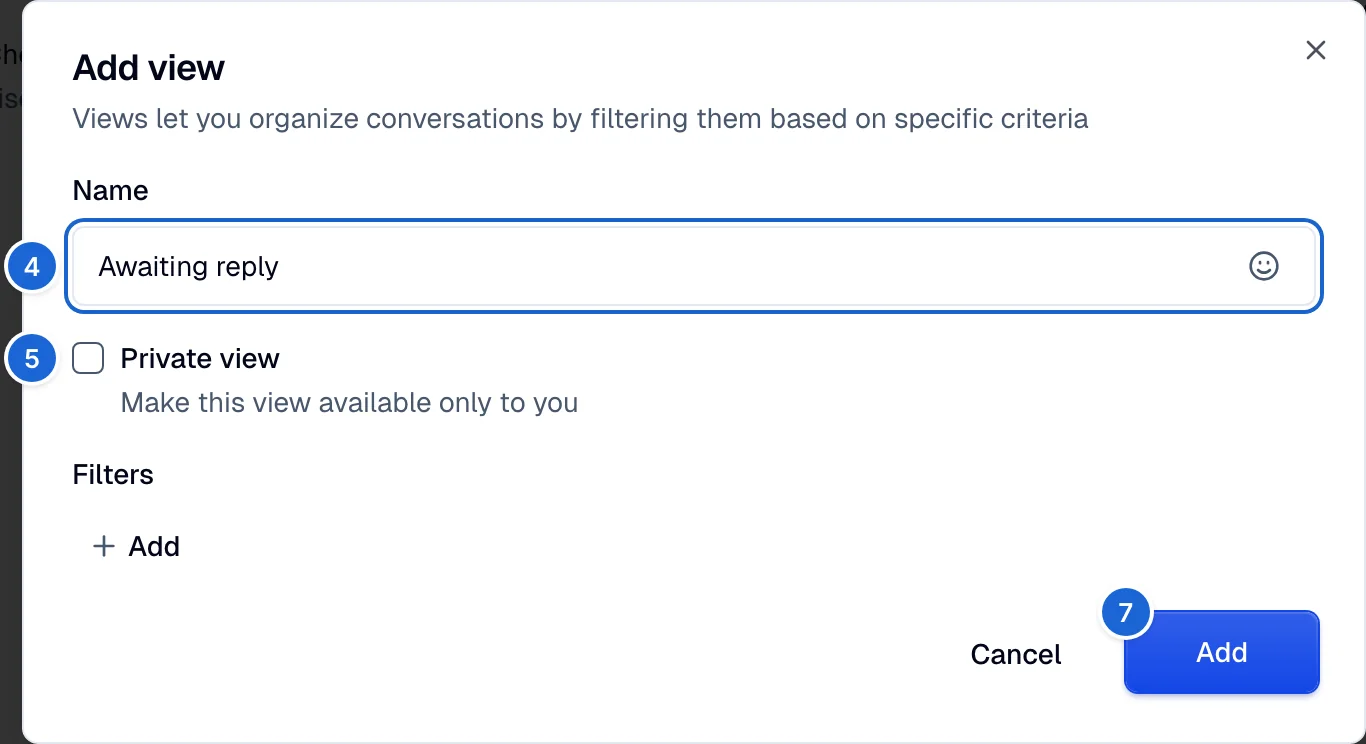
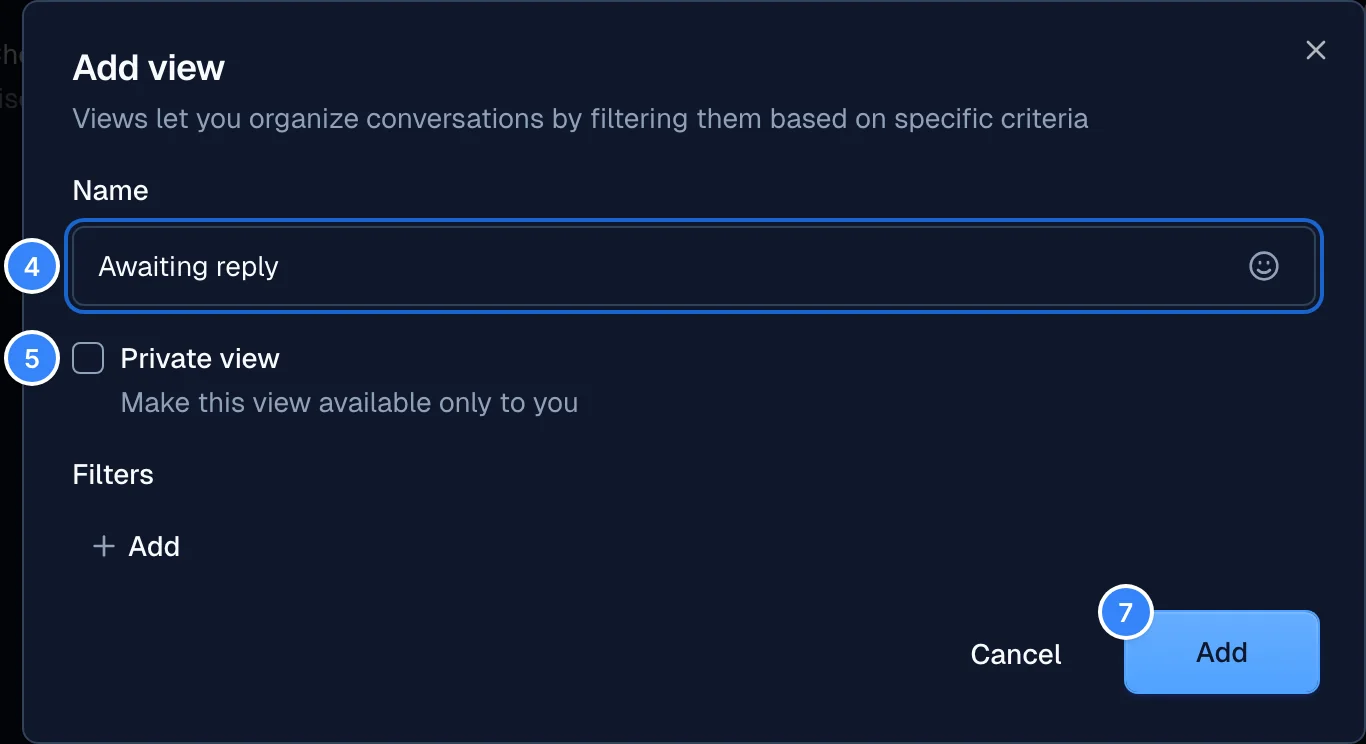
- Enter a name and select an emoji for the view.
- To make the view available only to you, select Private view.
- In the Filters section, add the conditions that filter conversations.
- Select Add.