Departments
Introduction
Departments group the teams of your environment by function, such as Support or Sales. They give structure to how you manage conversations. Each conversation goes to the agents best suited for it, for a smoother workflow and better customer service.
Create a department
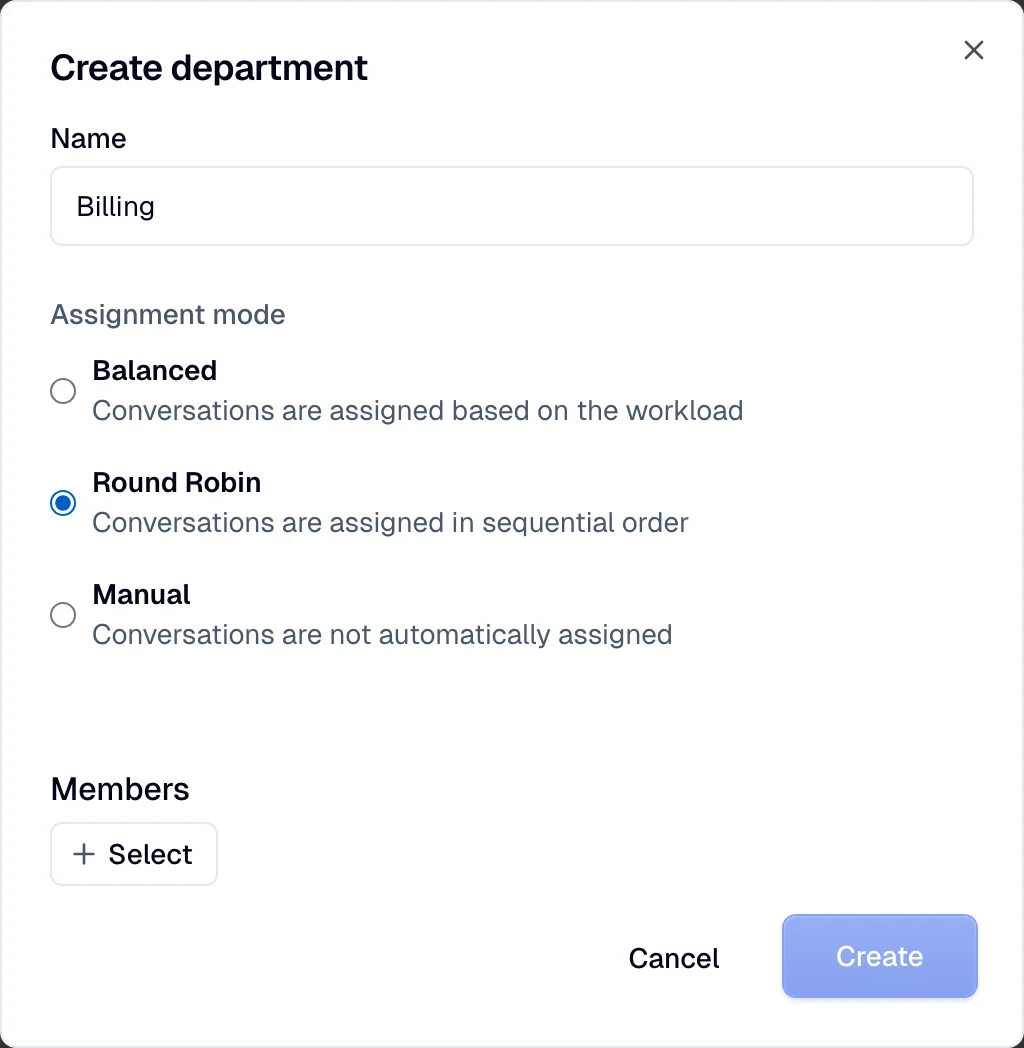
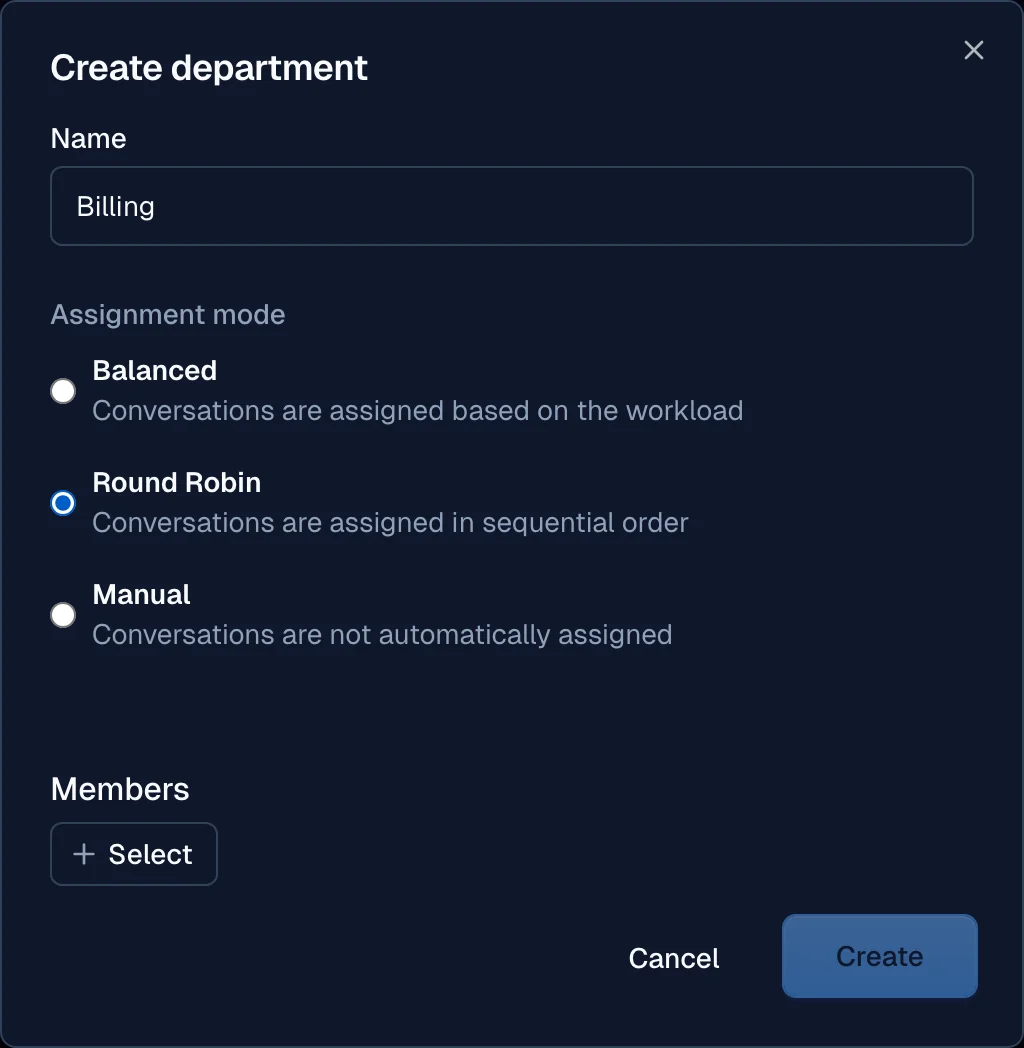
To use departments, add them to your environment. Departments segment your teams by their roles or functions. Go to your environment, then go to Departments and select Create.
Configuration
- Name
- Assignment modes
- Members
Add agents to department
Assign agents to specific departments, so that agents receive the conversations that match their area of expertise.
- Go to the department settings.
- Select the department you want to manage.
- Add agents to the department by selecting from your team list.
Assignment modes
A department uses an assignment mode to distribute conversations among its agents. The modes make the work more efficient and distribute the workload fairly.
- Manual Assignment: Agents or supervisors manually assign conversations to specific agents within a department.
- Balanced Assignment: The system automatically assigns conversations to agents based on their current workload, ensuring a balanced distribution.
- Round Robin: The system assigns conversations to agents in turn, so each agent receives an equal number of conversations over time.
To limit how many conversations the system assigns to each agent, change the default number in the environment settings.
Connect the department
To activate the department, select Connect. Moveo opens the rules section. Select the rule that you want to change, or create a rule, and add the Assign department action.
To assign the department when the AI agent hands over a conversation, use a rule with the After the AI agent replies trigger and a Tag condition. See Route a handover to a department.