WhatsApp template messages
Send messages to users even after 24 hours have passed since their last message on WhatsApp. First, create a template in your WhatsApp Business account and get it approved. After Meta approves it, you can use it in the live chat.
Create a WhatsApp template
- Go to your WhatsApp Business account and create a template.
- Submit the template for approval.
- After approval, you can select the template in the live chat UI.
Send a WhatsApp template in live chat
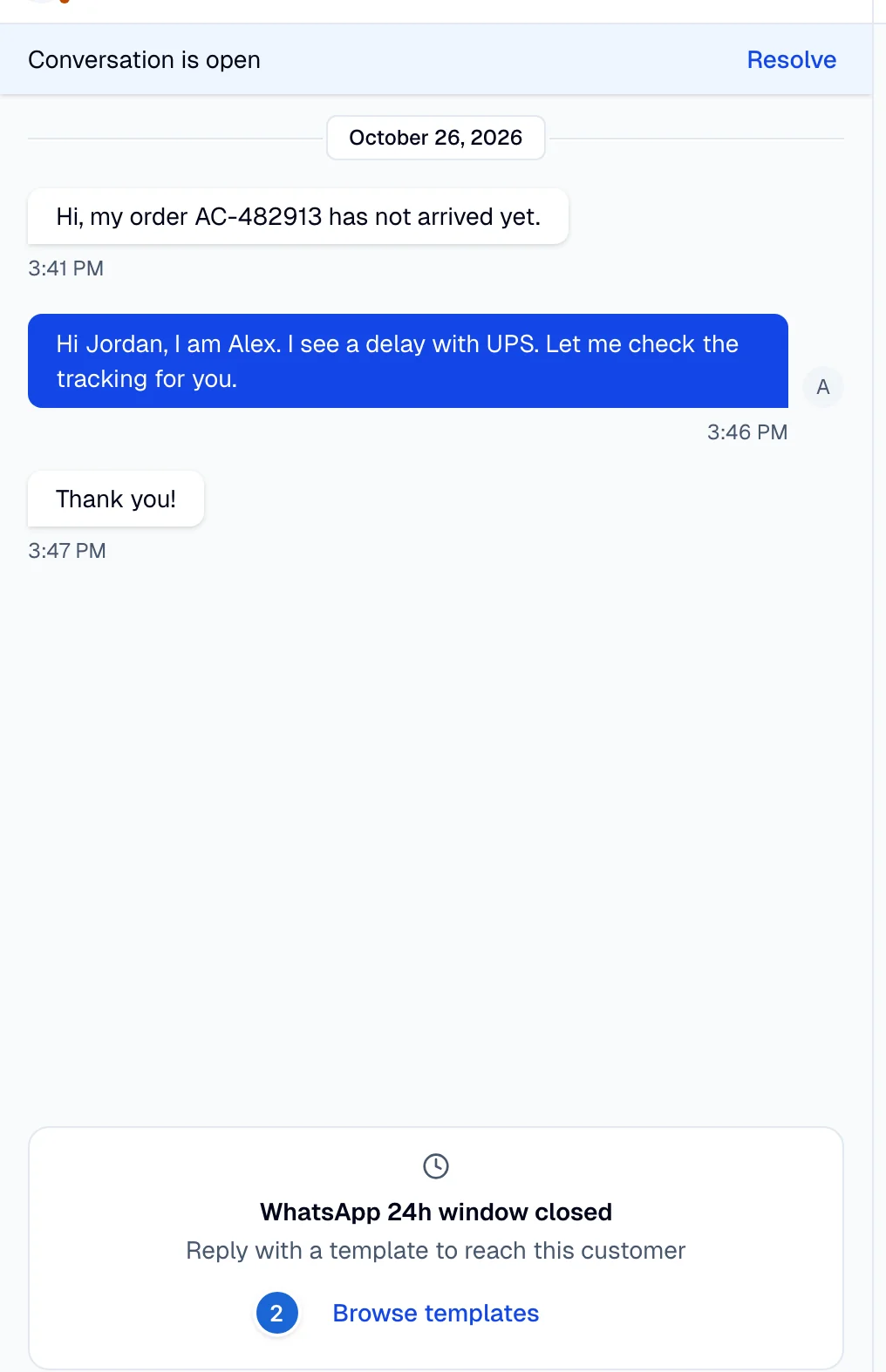
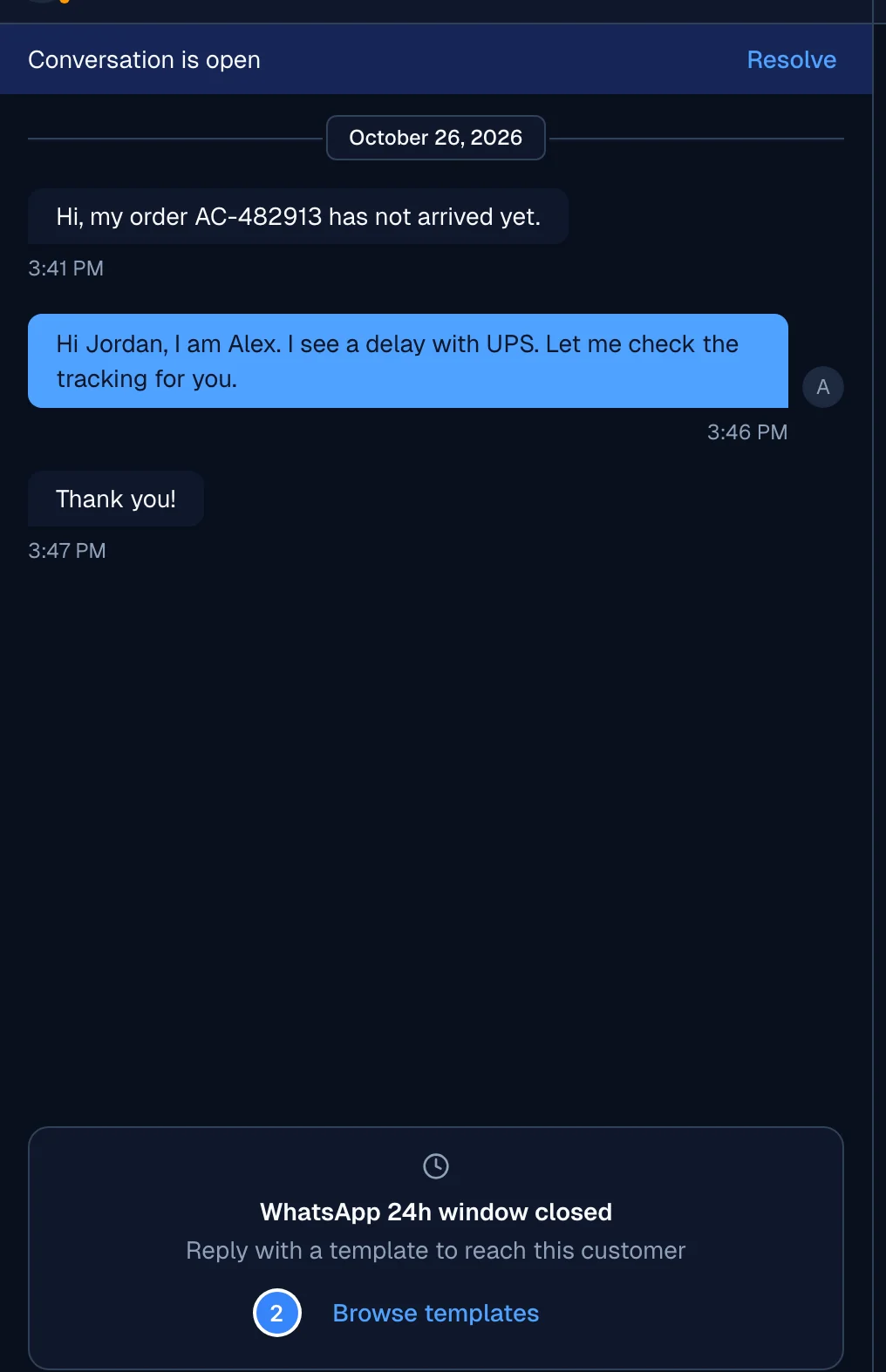
- Open the conversation you want to continue. When the 24-hour window closes, the chat box shows WhatsApp 24h window closed.
- Select Browse templates.
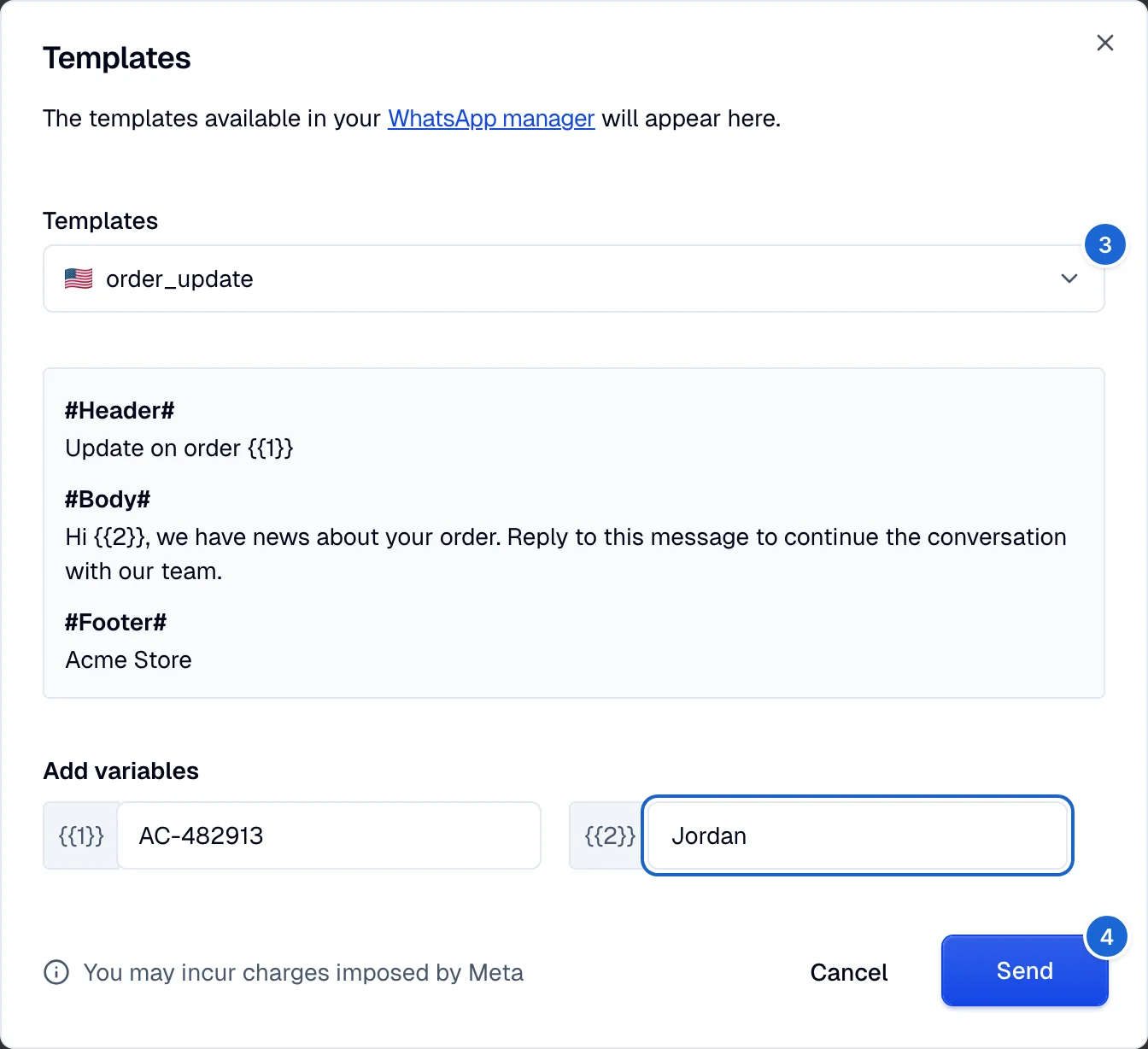
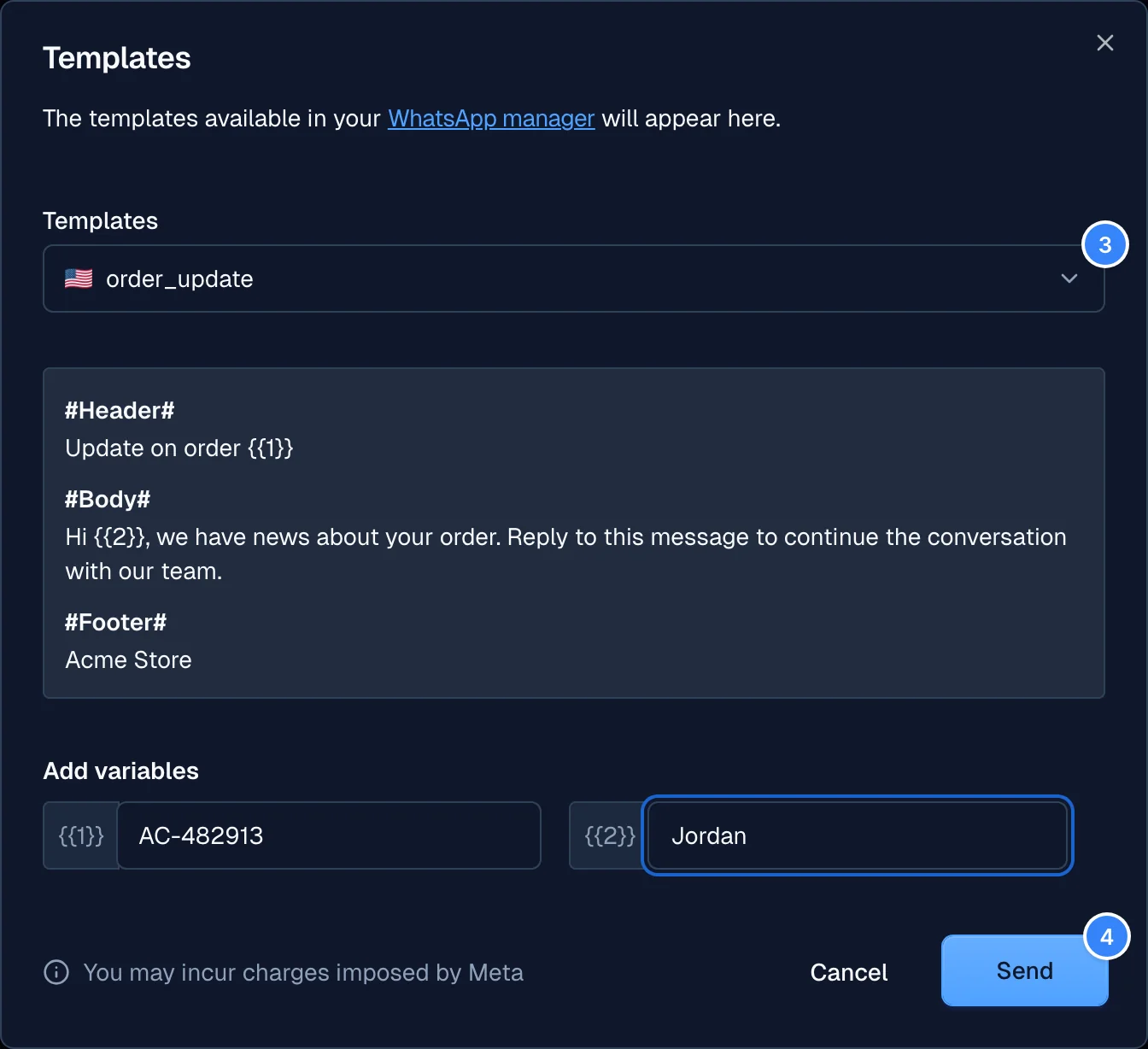
- Select the approved template from the list.
- Fill in the parameters, if any, and select Send.