Human agents
In Moveo, an AI agent or a human agent handles each conversation. When a conversation is out of scope for the AI agent and needs human intervention, a person can step in and continue the conversation.
A Moveo account can have multiple human agents. They are users that you invited to the account and that have at least one of these roles:
- Chat Agent
- Chat Manager
- Admin
- Owner
Inviting team members to the account can incur additional costs. See the pricing page.
Conversation assignment
When a human agent gets a conversation, they start to receive notifications about it. Depending on the channel, the user can see a notification that a human agent joined the conversation.
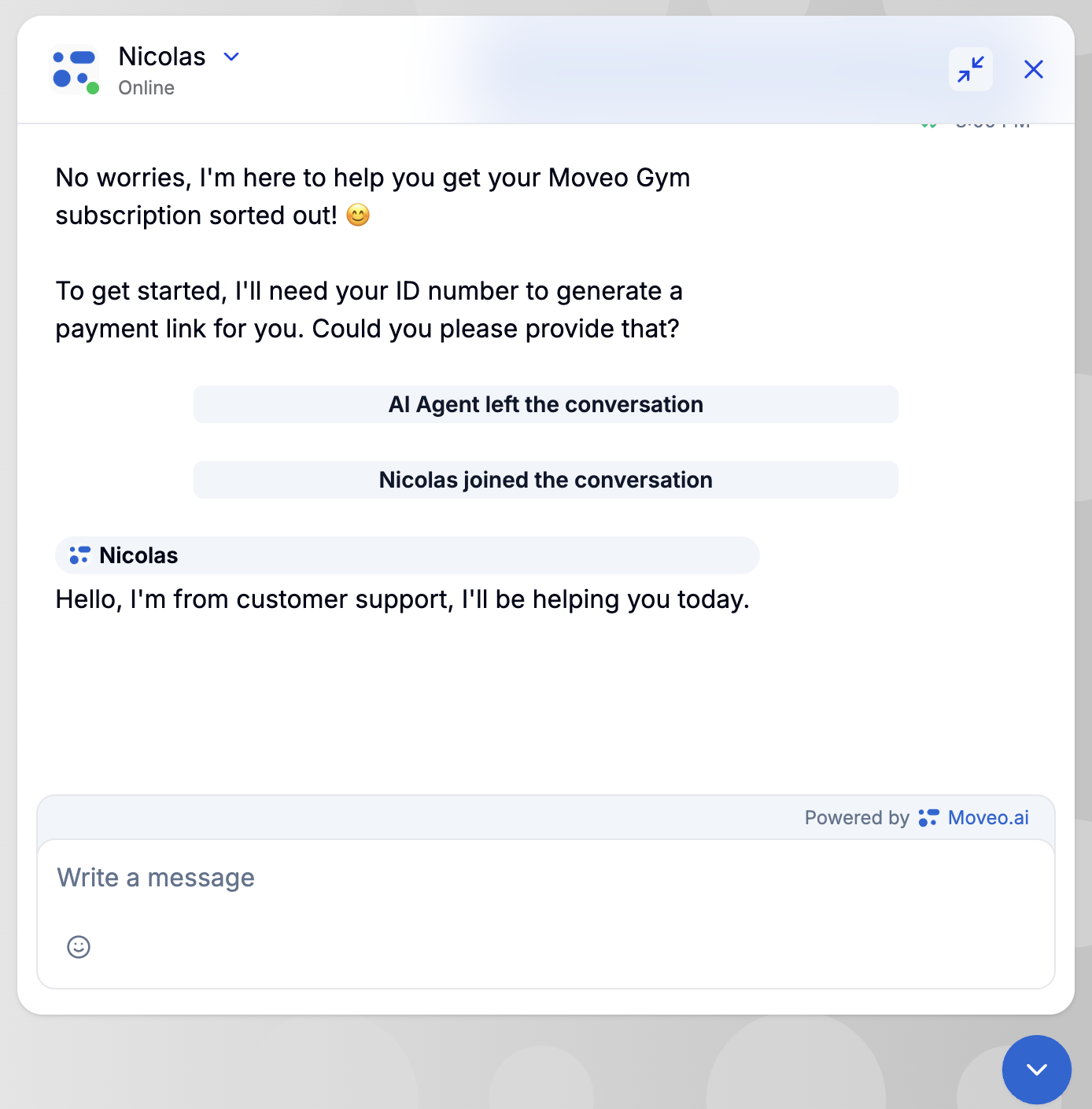
A conversation can reach a human agent in three ways.
1. Send a message
If an agent sends a message in an ongoing conversation, Moveo assigns the conversation to that agent, regardless of the agent already assigned.
2. Reassign a conversation
Agents can manually reassign a conversation to another human agent, including themselves.
3. Handover action
This method uses departments. When a dialog triggers a handover action, the AI agent leaves the conversation, and the conversation becomes unassigned. Then one of two things happens:
- No department assigned: This is the default behavior. The conversation remains unassigned until an agent manually picks it up.
- Department assigned (see Departments): The system assigns the conversation to a connected human agent who belongs to that department. The department settings decide which agent it selects.
Think of this process as the department assigning the conversation, while the handover action removes the AI agent from it.