API keys
What is an API key?
An API key is a unique identifier that authenticates an application or user when it calls an API. It is a secret token that gives access to Moveo functions such as fetching analytics data, sending messages, or managing resources.
Types
When you create an API key, you set its access scope with one of these types:
- Analytics: Provides access to fetch analytics data for custom use cases or integration with external tools like PowerBI. See available queries
- Use: Grants permissions to Sessions, Message, and Classify endpoints.
- Manage: Allows creation, modification, and deletion of resources such as AI agents, broadcasts, knowledge bases, datasources, desks, and more. View API Documentation
Key management and security
For security reasons, Moveo shows the API key only one time, when you create it. Copy it and store it securely. If you lose it, you must generate another key.
Permissions
API keys are managed under Settings → Developers. A member sees the page when their role gives the Dev tools group Read only or Can edit, and they can generate a key when the role also carries the Edit API keys permission. See Roles and permissions for the groups and the extra permissions.
Create an API key
- Go to Settings → Developers → API keys.
- Select Generate to open the card.
- In the card, enter a name that identifies what the key is for.
- Select the type of key that you want to create.
- Select Generate.
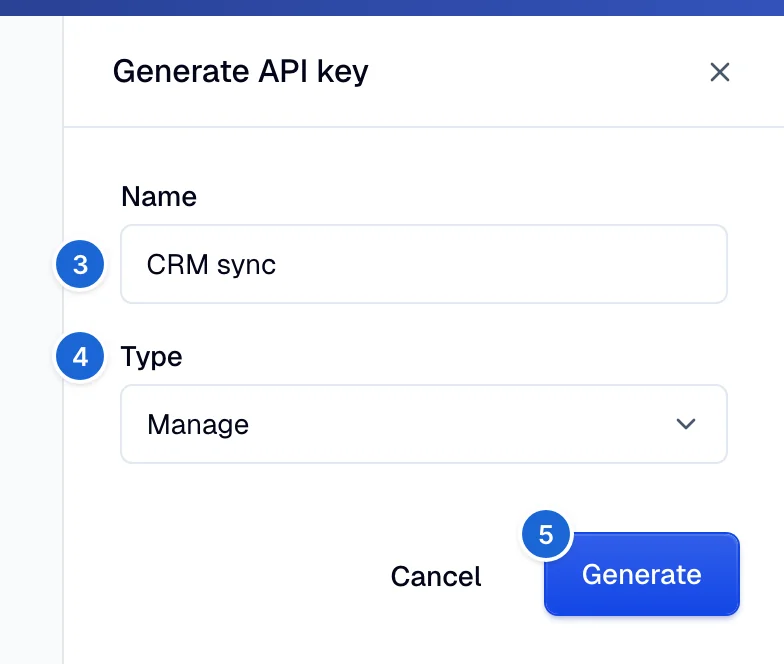
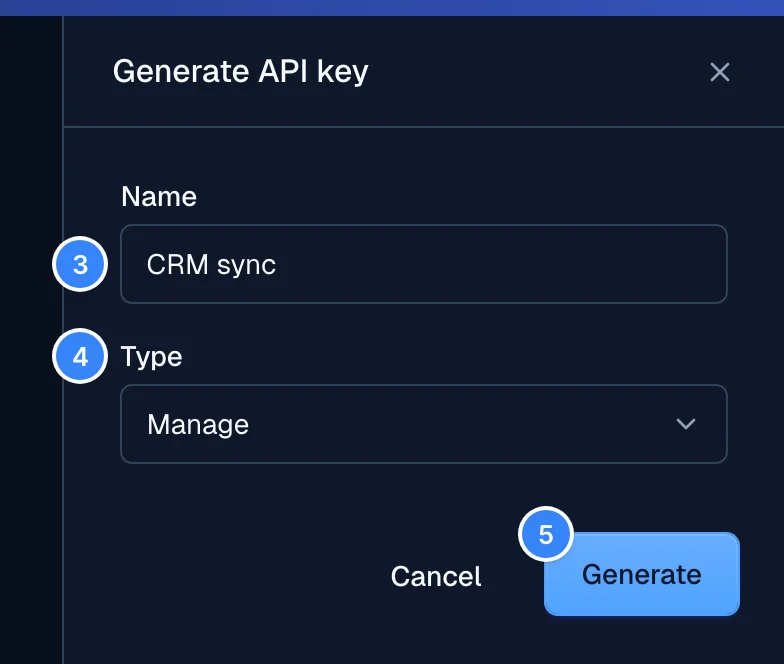
Moveo displays the API key only one time. Copy it and store it securely.
You cannot change the name or the type of a key after you create it. To change the type, delete the key and generate a new one.
Create a key through the API or the MCP server
- Console
- API
- MCP
Use the steps above. This is the only path for most users.
An API key cannot create, list, or delete API keys. The /v1/credentials endpoints accept only the
login token of a console user (JWT). The request body of POST /v1/credentials is name and
type, where type is analytics, use, or manage.
The Moveo MCP server has no tool that creates or deletes API keys.
What each type can call
| Console type | API value | Reaches |
|---|---|---|
| Analytics | analytics | Only the Analytics GraphQL API. |
| Use | use | Only the session, message, and classify endpoints. |
| Manage | manage | Every REST endpoint that accepts API keys. It cannot call the Analytics API. |
Send the key in the Authorization header: Authorization: apikey <YOUR_API_KEY>.