Payment recovery campaigns
Overview
A payment recovery campaign contacts people with overdue balances and works toward a resolution, such as a promise to pay or a completed payment. It is one of two campaign types, alongside Outreach. For shared concepts, see the Campaigns overview.
Payment recovery pairs an audience of debtors with an AI agent that follows up, sends reminders, and adapts its messaging per contact. When you turn on autonomous actions, the agent decides the best next step for each person instead of following a fixed message sequence. A compliance profile keeps that contact within the rules that apply to your region.
Key concepts
- Campaign type: Payment recovery is a dedicated type built for regulated debt collection. It captures debt details per contact for reporting and for the AI agent to act on.
- AI Agent: A Debt Collection agent handles replies, negotiates options, and generates payment links. Build one first with the Build your first AI agent guide.
- Autonomous actions: An optional capability that lets the agent choose the channel, message, and timing for each contact. See Autonomous actions.
- Compliance profile: A set of protections that block or delay contact when regulations require it. You select one when autonomous actions is on. See Compliance profiles.
Before you start
- Build and publish a Debt Collection AI agent to handle replies.
- Confirm that you connected your messaging integrations and that they are active.
- Prepare a CSV of debtors with the required debt fields. See CSV format reference.
- If you plan to use autonomous actions, decide which compliance profile applies.
Step 1 - Set up the campaign
- Go to Campaigns and select + Create.
- Select Payment recovery as the campaign type.
- Enter the campaign name. The system generates a matching tag from this name for filtering conversations. Add more tags for reporting or routing as needed.
- Upload your CSV. Select Download template file to get a template with the required debt columns. The audience table previews every row and flags issues, such as missing contact details or unmapped required fields.
- Match each CSV column to a field. The platform suggests mappings automatically; adjust any that are wrong.
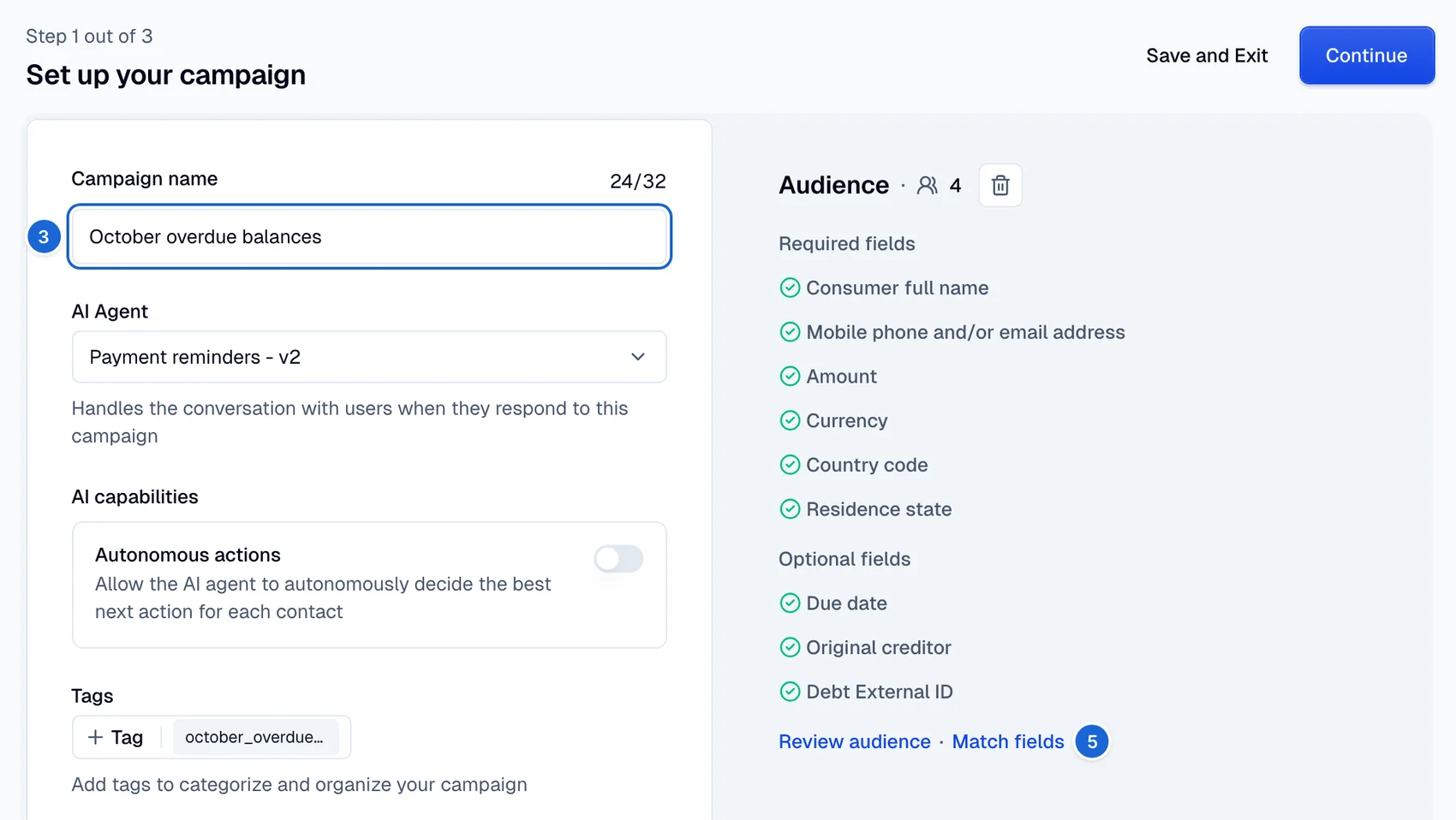
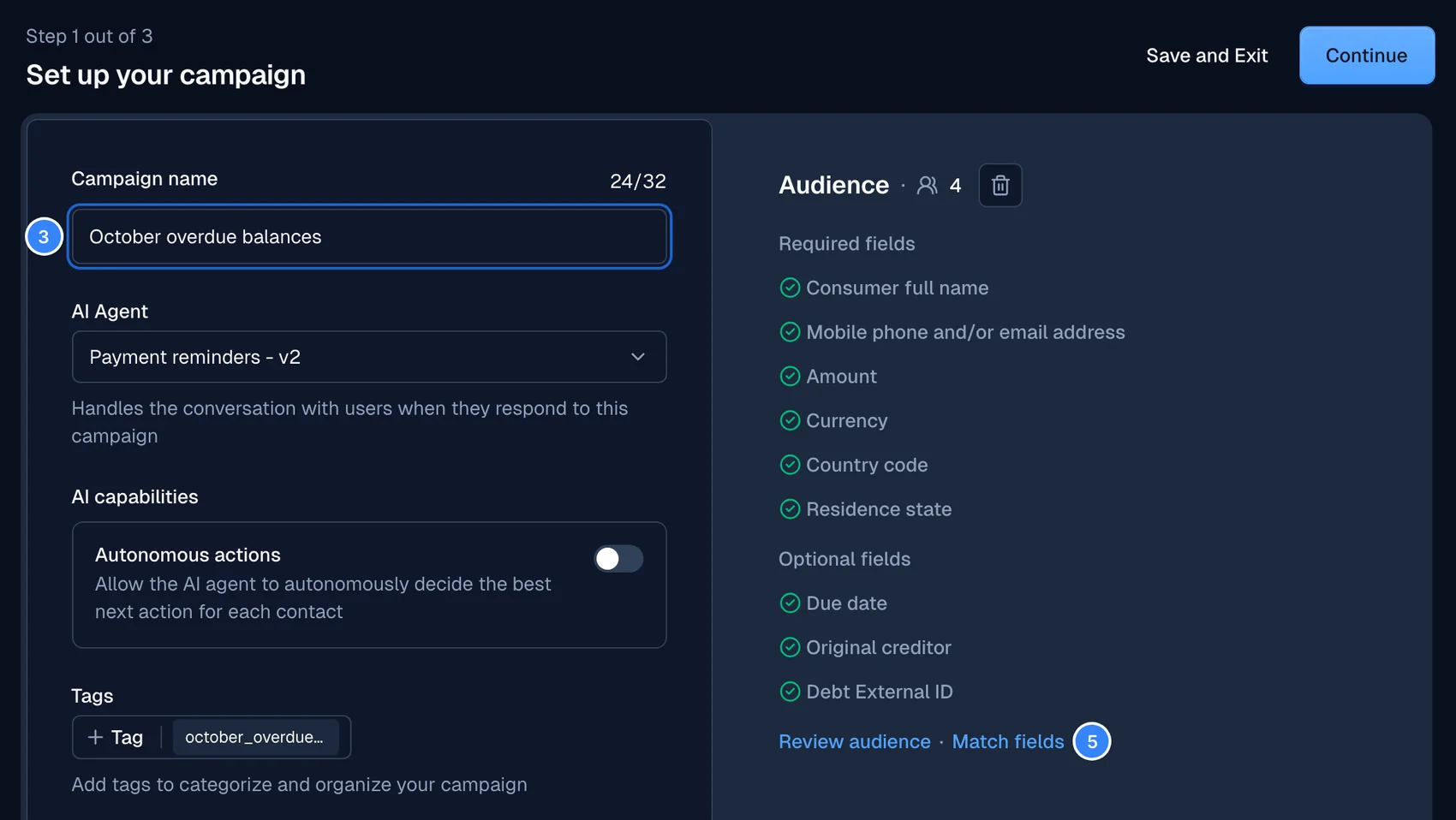
If a required field stays unmapped, the setup step keeps the warning active until you map it. You can skip optional fields.
Turn on autonomous actions
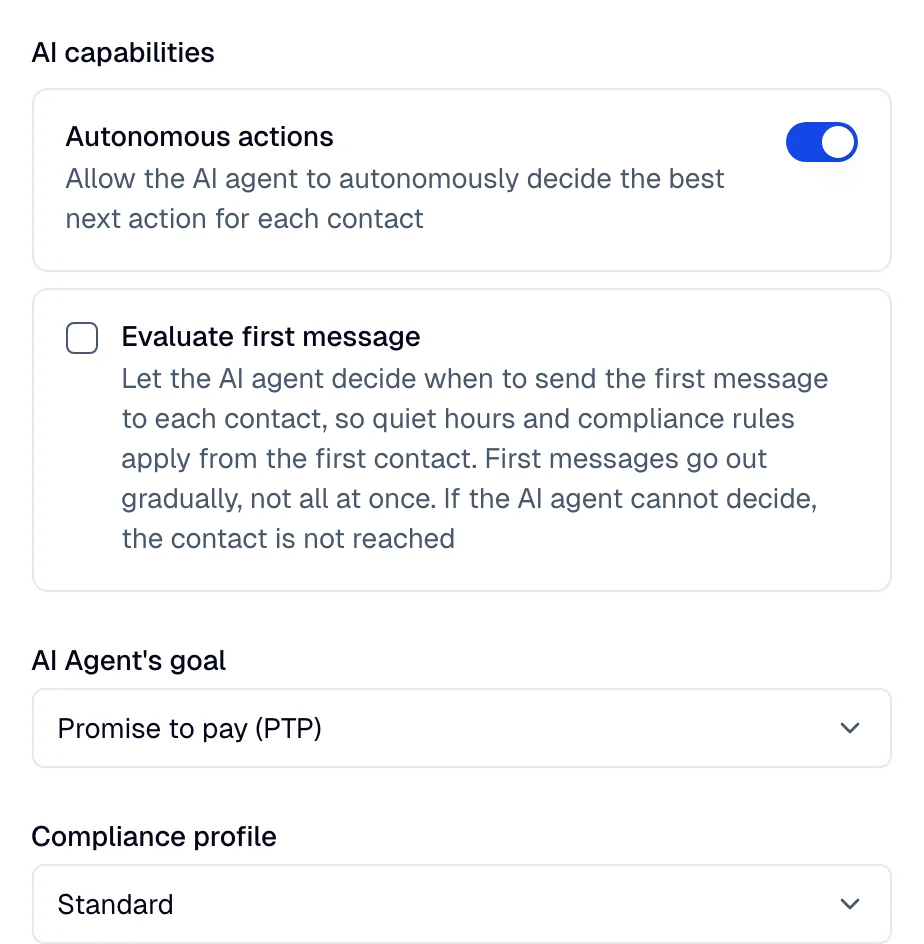
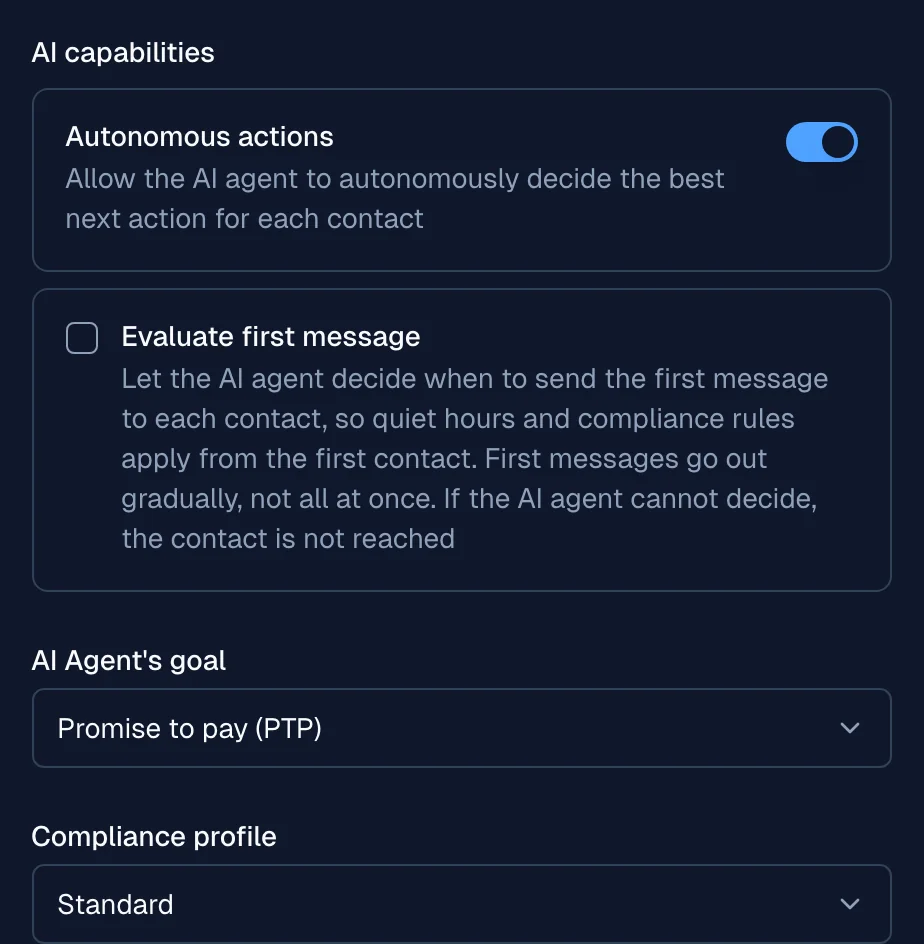
Under AI capabilities, turn on Autonomous actions to let the agent decide the best next action for each contact. When you turn it on:
- The campaign needs a Goal. Select it from the dropdown. It defines what a successful conversation achieves, such as Promise to pay (PTP) or Claim of payment.
- The campaign needs a Compliance profile. It applies the contact rules for your region, such as quiet hours, frequency caps, and stop-contact requests.
- The agent uses next-best-action logic to pick the channel and message per contact, rather than a fixed sequence.
- An optional Evaluate first message checkbox shows. Select it to make the agent approve the first message to each contact before it goes out. See Evaluate first message.
For the full behavior and how it differs from a standard campaign, see Autonomous actions.
Step 2 - Build the message journey
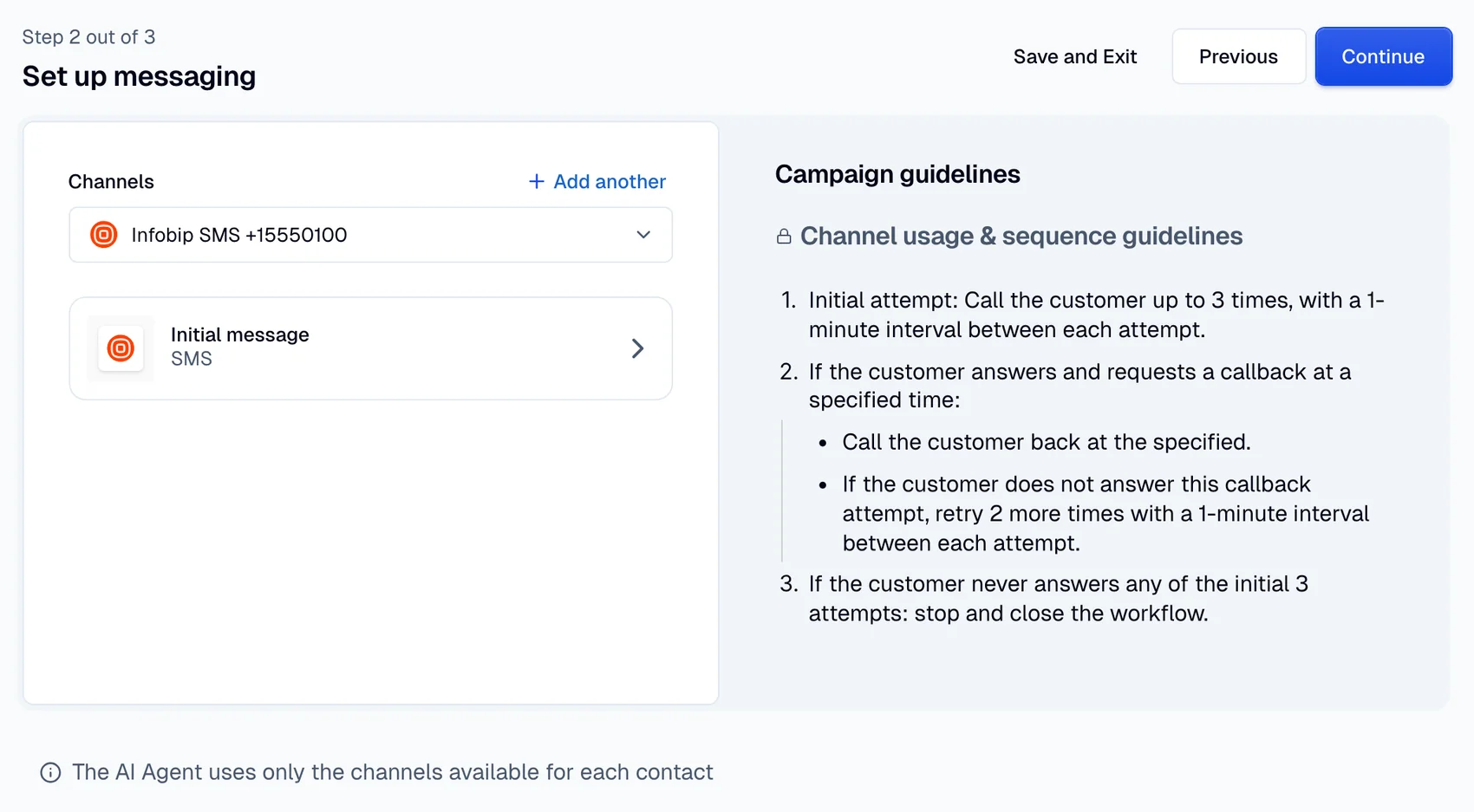
The messaging step depends on whether autonomous actions is on:
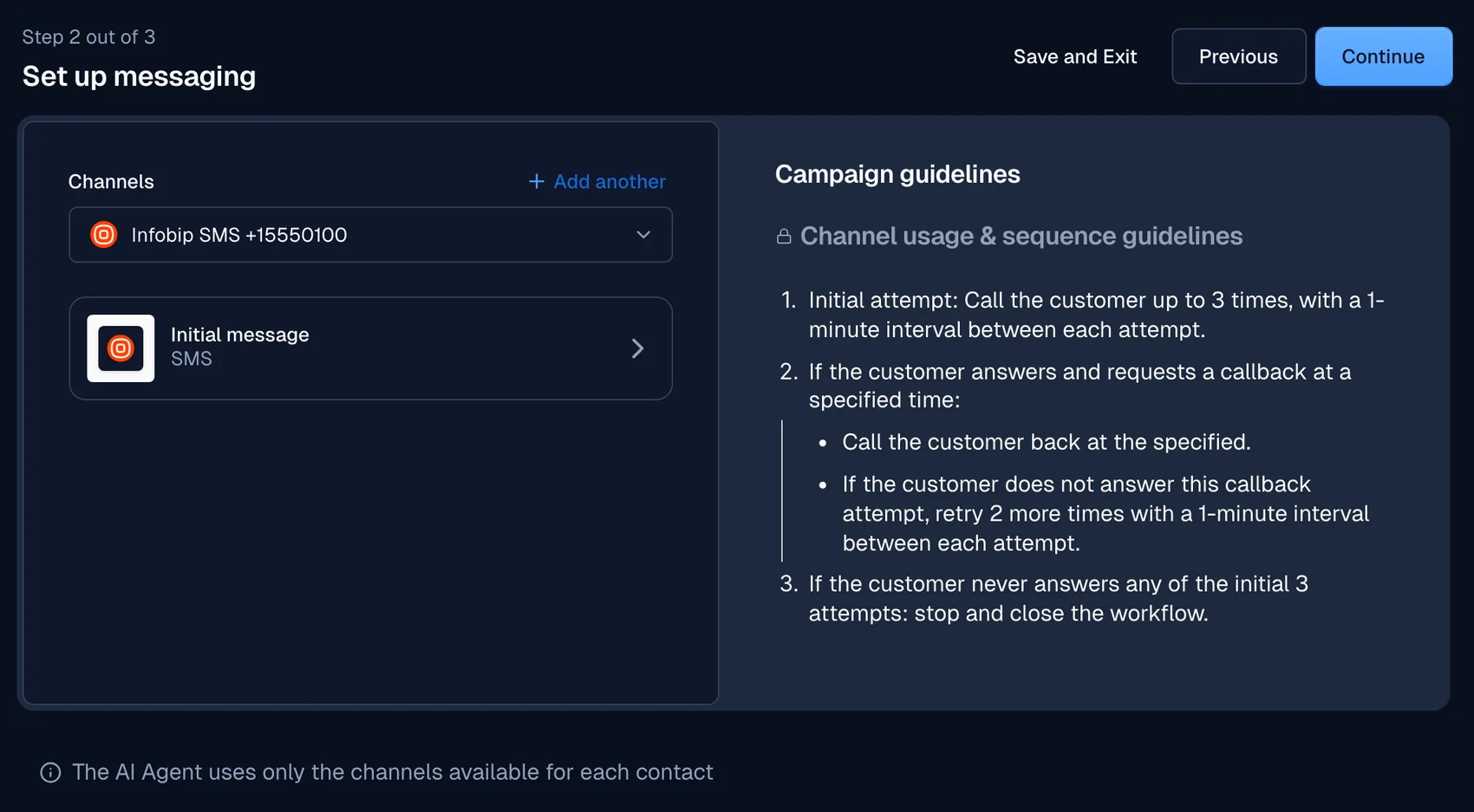
- Autonomous actions on: Choose the channels the agent may use, then write the initial message. The Campaign guidelines panel holds the editable rules that shape how the agent sequences its attempts. The agent picks the channel, message, and timing per contact, and uses only the channels that contact has.
- Autonomous actions off: Build a fixed journey: a primary message, a fallback for failed deliveries, and a follow-up for silent contacts, as described for Outreach campaigns.
Step 3 - Review and launch
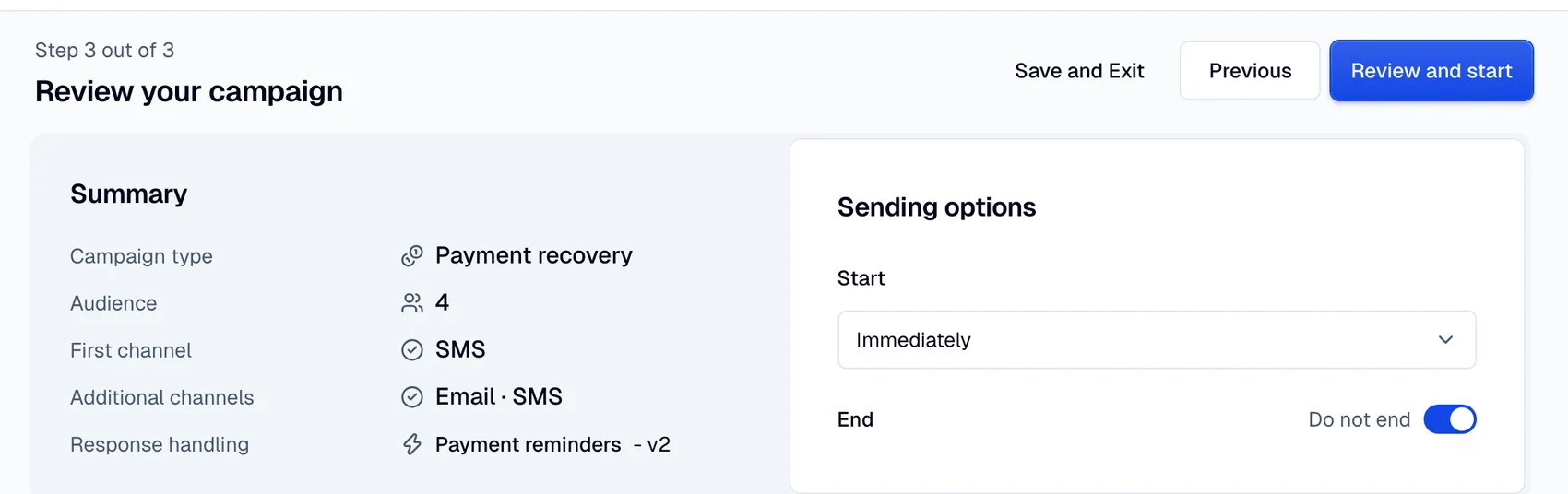
The review screen summarizes the audience, messaging, and scheduling. The layout adapts to the campaign:
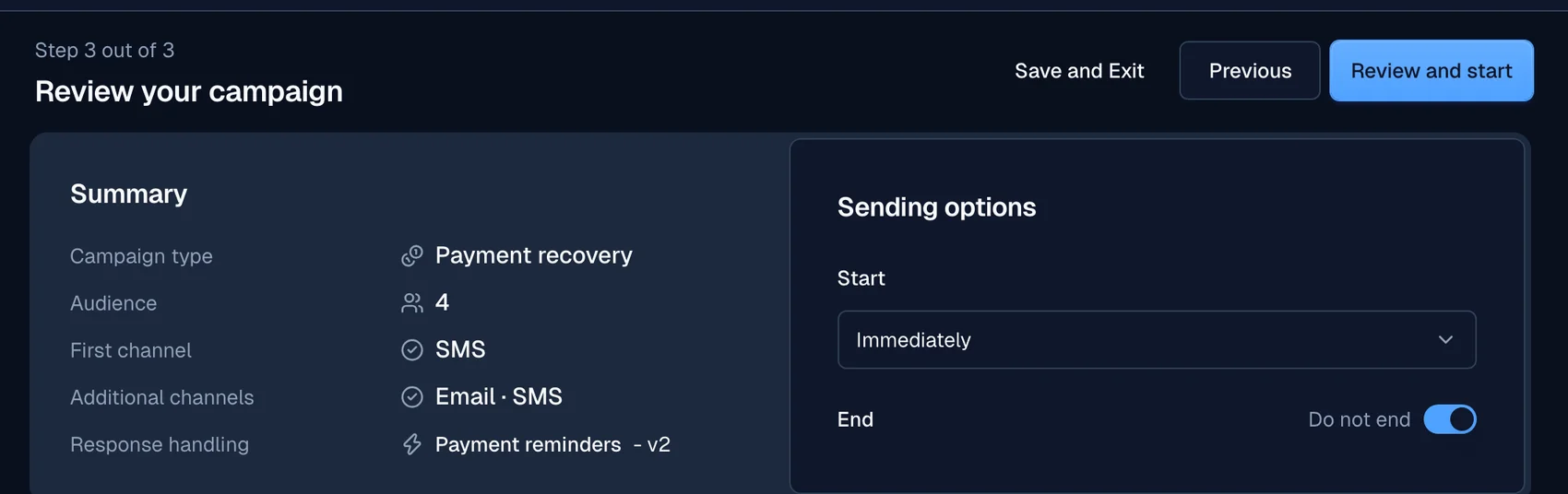
- Agentic review: Shows the campaign type, the audience, the channels, and the AI agent that handles responses.
- Standard review: Shows the primary message, delivery fallback, and no-reply follow-up.
In the Start dropdown, choose Immediately to launch as soon as you confirm, or Schedule for later to set a date, time, and timezone. Select Review and start to open the confirmation modal, then Start campaign to launch. Select Save and Exit to keep the campaign as a draft.
CSV format reference
Each row represents one debtor. Map every required field during setup.
The required fields do more than identify each debtor. They power payment-recovery-specific analytics, such as the total amount due across your audience. When autonomous actions is on, the AI agent also uses the amount and currency to personalize messages and decide the next best action. The optional due date and original creditor add further context to those messages when you provide them.
Required fields
| Field | Description |
|---|---|
| Consumer full name | Full name of the debtor |
| Contact | At least one of phone or email |
| Amount | Outstanding balance |
| Currency | Currency of the balance |
| Country code | Two-letter ISO country code for the debtor, such as US |
Optional fields
| Field | Description |
|---|---|
| Account ID | Unique identifier for the account |
| Due date | Date the balance became due |
| Original creditor | The creditor the debt originated with |
| Residence state | Two-letter state code, used to apply state-level compliance rules. Required when the country code is US or BR |
Provide clean, one-value-per-cell entries and keep account identifiers unique. Moveo rejects rows that have neither a phone nor an email.
One currency per campaign
All the debts in a campaign must use the same currency. Moveo compares each upload with the debts that the campaign already holds. If the result has more than one currency, Moveo rejects the whole upload, and the error names the currencies. The comparison ignores case and spaces, and a blank currency does not count. This rule applies to every campaign type.
Debts that already exist
Debts belong to the account, not to one campaign. An upload can name a debt by its external ID (debt_external_id). If that debt exists, the campaign links the stored debt and does not create a new one. The contact of the row must already be a party on the debt, or Moveo rejects the row. A stored debt without a party takes the contact of the row as its primary borrower. You can find every debt of the account on the Debts page.
The original amount of a debt does not change. If an upload states a different amount for a stored debt, Moveo rejects the row. To change the amount, delete the debt on the Debts page and upload it again. A field that the stored debt does not have yet, such as a due date, takes the value from the first upload that states it.
To keep the balance of a debt current, add subscribers through the API and send current_balance with each debt. Each upload applies the new value, and the latest upload wins. An upload can also set status to active or paid. If a conversation already set a status such as settled or disputed, the upload keeps that status.
Compliance and safety
When autonomous actions is on, a payment recovery campaign runs under a compliance profile. The profile enforces contact rules for your region, such as quiet hours, frequency caps, and stop-contact requests. During live conversations, the AI agent applies further guardrails, such as stopping collection when a consumer disputes the debt or reports identity theft.
The AI agent also records compliance flags on the debt, such as Cease and desist or Disputed. The agent can set a flag but cannot clear it. Moveo also protects a flagged debt from deletion. To delete a flagged debt, or the last contact on it, you must confirm the delete. See Compliance flags.
Compliance protections take precedence over custom instructions and guidelines. Compliance profiles assist with regulatory compliance but are not a substitute for legal counsel.
After launch
- Track campaign status from the Campaigns list. Open a campaign to view subscriber activity and message logs.
- With autonomous actions, follow the next action of each contact on the Conversations tab, and ask the agent to decide again with Re-evaluate. See Follow each contact.
- Read the recovery, promise, and call metrics on the Performance tab.
- Review disputed debts and stopped subscribers on the Performance tab, under Barriers to progress.
- Filter conversations by the campaign tag for reporting.
- Review every debt of the account, with its parties and compliance flags, on the Debts page.