AI agents analytics
Overview
The AI Agents page shows how your AI agents handle conversations. To open it, go to Analytics → AI Agents.
Filters and comparison
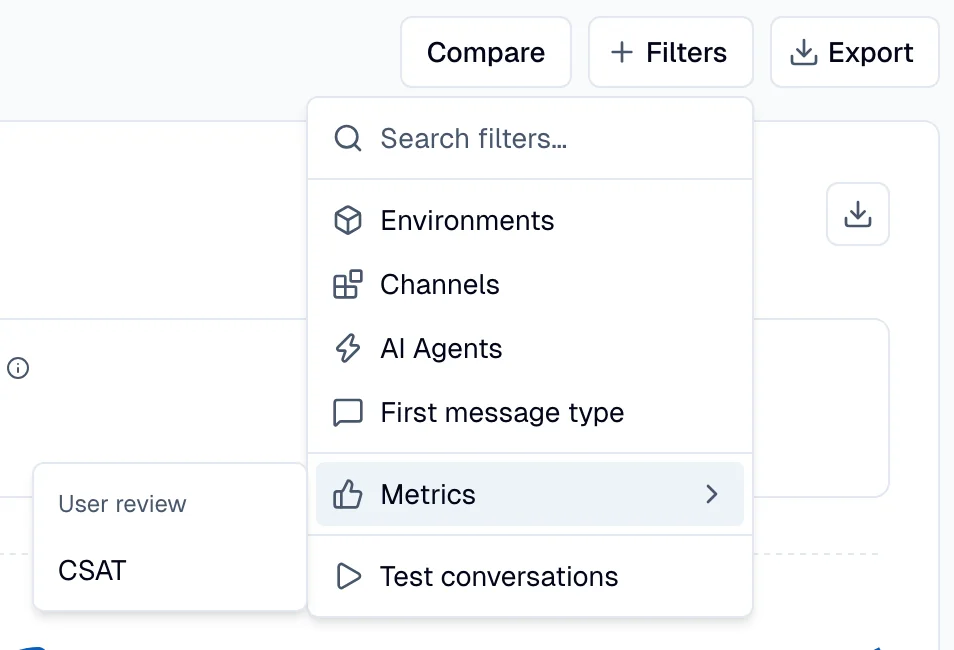
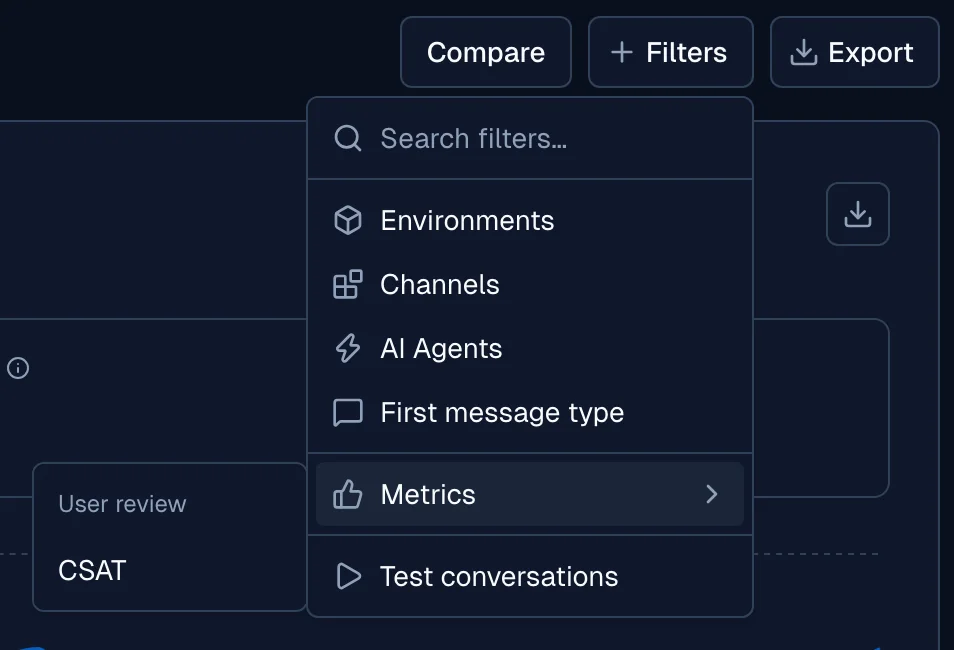
Use the date range and the filters at the top of the page to narrow the data. The page accepts these filters:
- Environments
- Channels
- AI Agents
- First message type
- Test conversations
- Metrics → CSAT, the rating that the user gives
Select Compare to show the change from the previous period on the tiles and the charts. Use the export button to download the page data.
AI agent overview
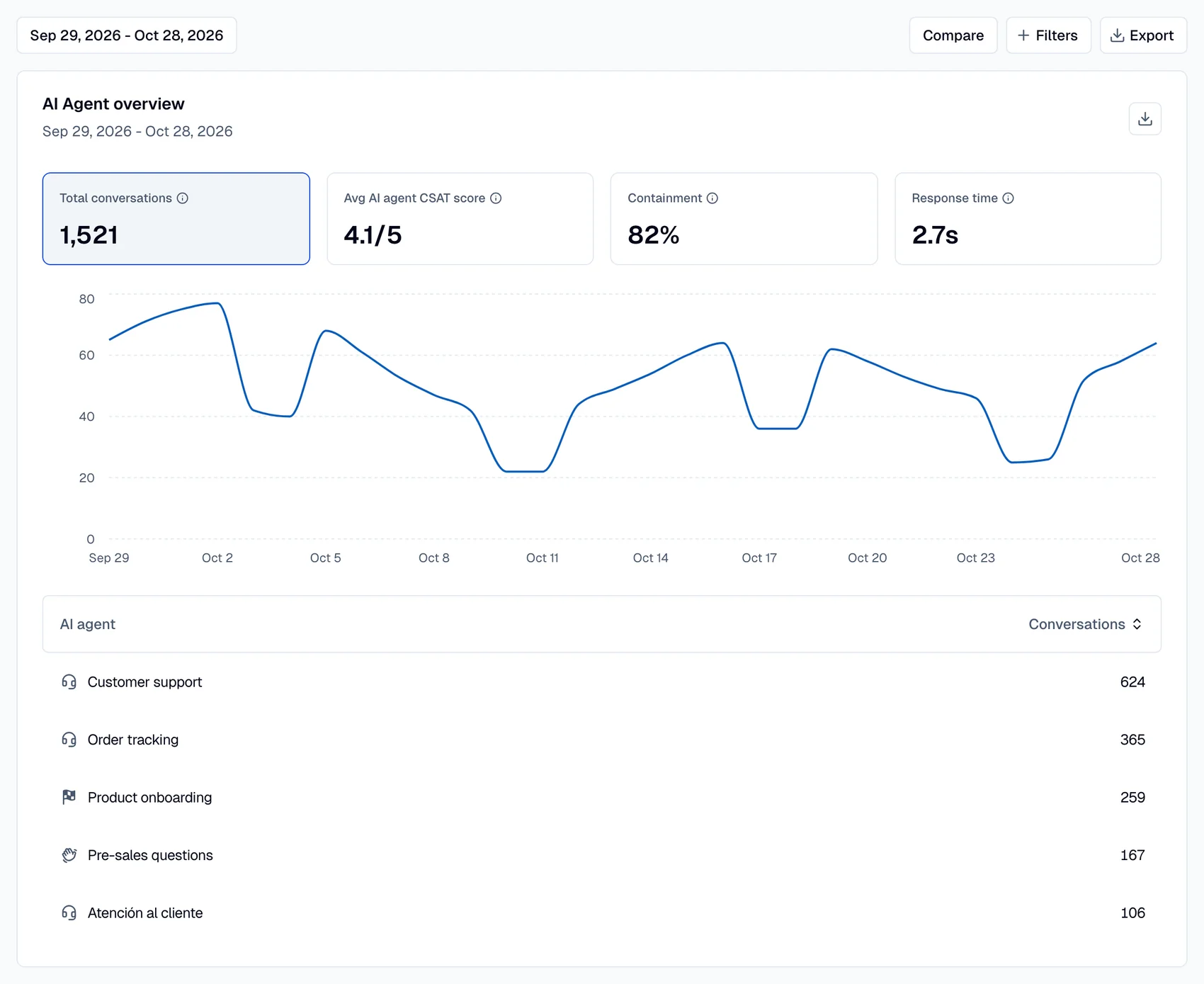
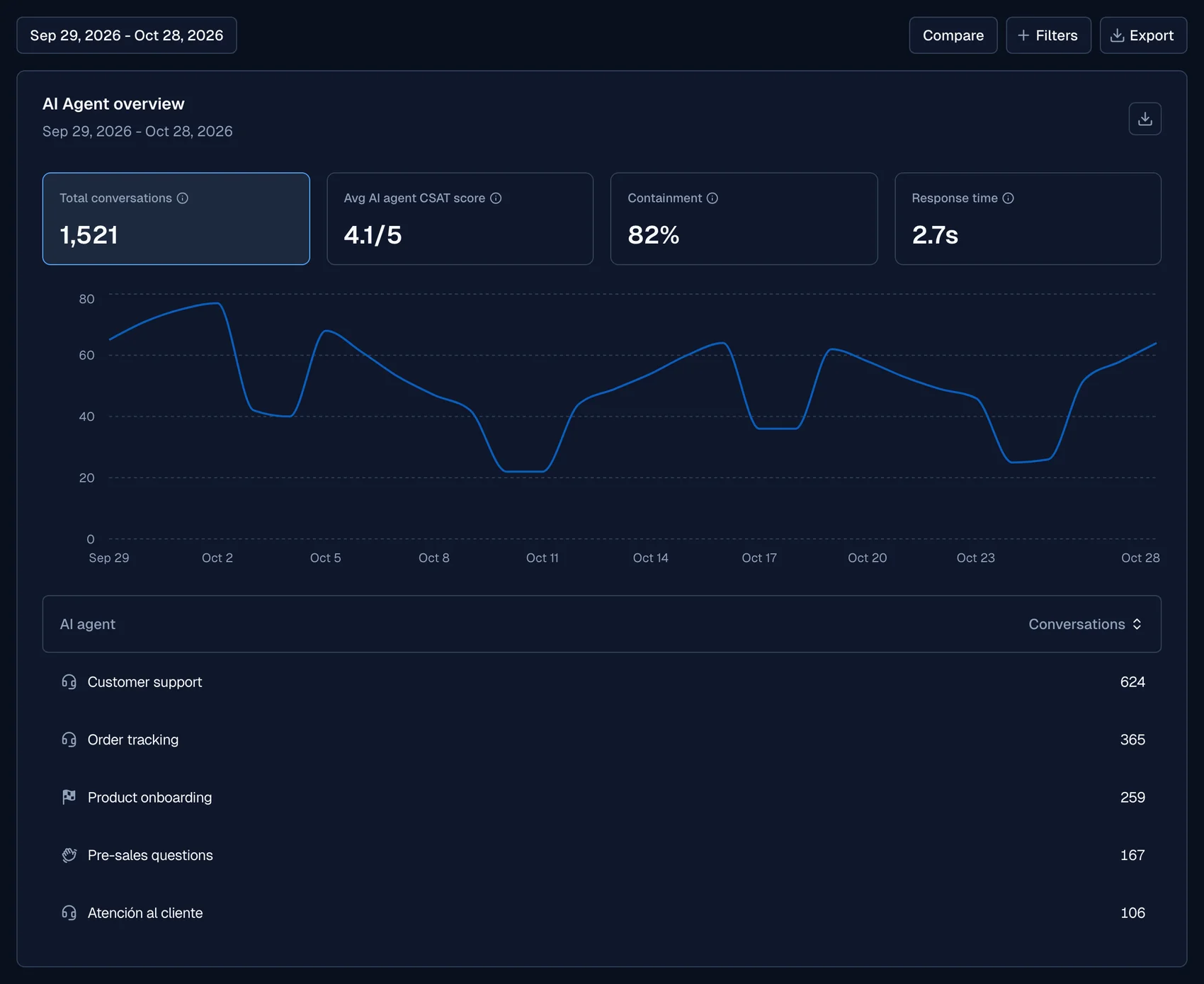
The AI Agent overview card has four tiles:
| Tile | What it shows |
|---|---|
| Total conversations | The number of conversations that AI agents handled in the selected period |
| Avg AI agent CSAT score | The average satisfaction score, out of 5. It combines the AI CSAT scores with the ratings that users give |
| Containment | The percentage of conversations that the AI agent resolved without a handover to a human agent. See Containment |
| Response time | The average time, in seconds, that the AI agent takes to reply |
Select a tile to show its metric in the chart. The chart shows only for date ranges of more than one day. Below the chart, a table lists each AI agent with the value of the selected metric. Select a row to open the AI agent.
Voice calls
The Voice calls card shows the calls that AI agents handled in voice channels. It has four tiles: Calls, Call time, Avg conversation and Voicemail rate. Select a tile to show its metric in the chart.
CSAT, sentiment, and goals
Three cards show the quality of the conversations:
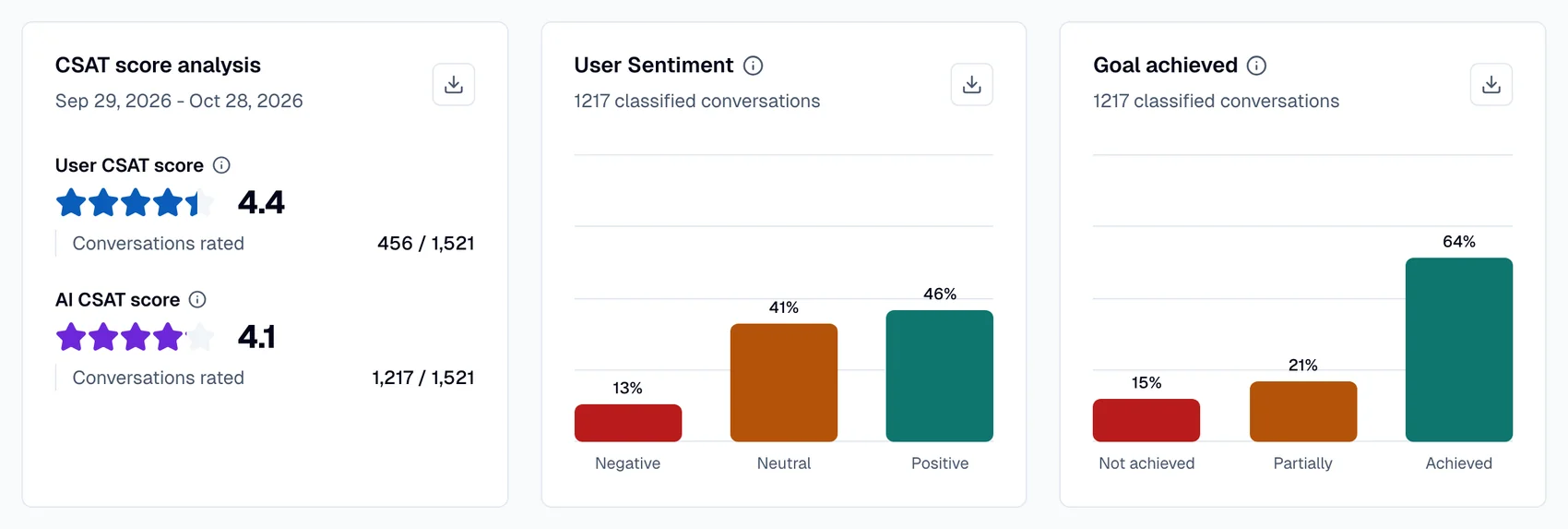
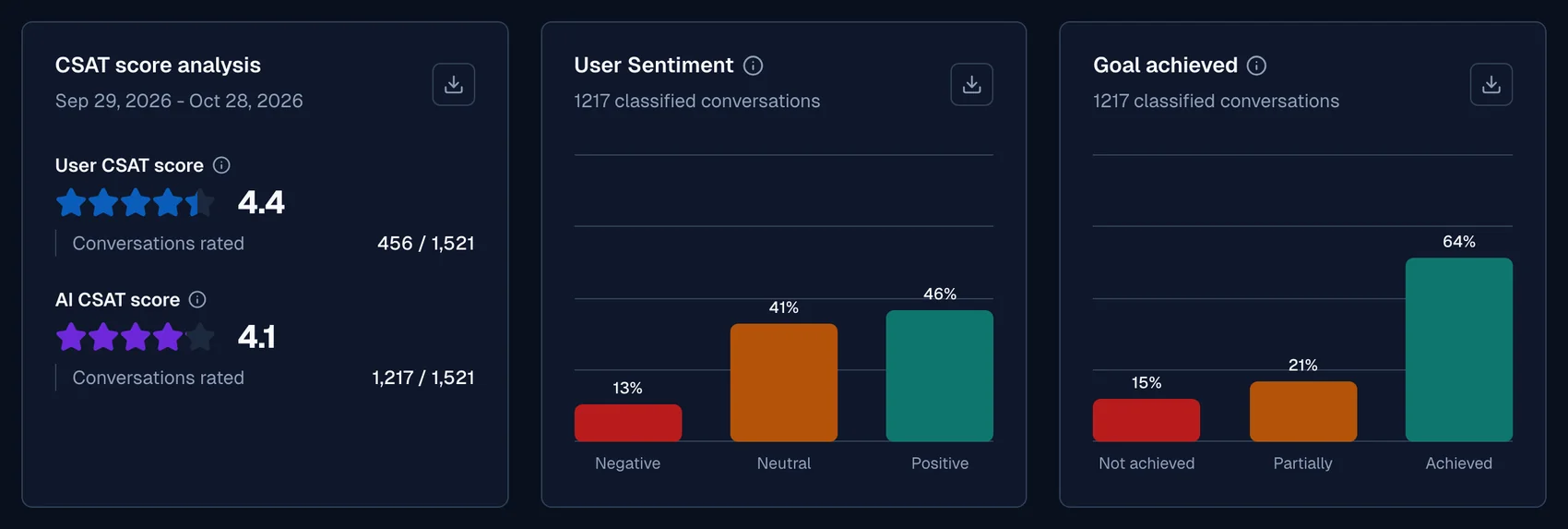
- CSAT score analysis: The User CSAT score, the AI CSAT score, and the number of Conversations rated. See User CSAT and AI CSAT.
- User Sentiment: The percentage of conversations that are Positive, Neutral or Negative, from the user's overall sentiment.
- Goal achieved: The percentage of conversations where the AI agent's goal was Achieved, achieved Partially, or Not achieved.
The LLM calculates the sentiment, the goal and the AI CSAT score with the system insights.
User CSAT and AI CSAT
Moveo keeps two customer satisfaction (CSAT) scores for each conversation:
| Score | Who gives it | What it scores |
|---|---|---|
| User CSAT | The user, in the rating survey of the channel | The conversation, from 1 to 5 |
| AI CSAT | An LLM, through the AI CSAT system insight | The AI agent's part and the human agent's part of the conversation, from 1 to 5 |
Analytics shows the two scores side by side and does not replace one with the other. The Conversations table has a User CSAT column and an AI CSAT column, and the conversation replay shows both scores. For the human agent scores, see Human Agents analytics.
The Avg AI agent CSAT score tile combines the AI CSAT scores with the user ratings. This tile is on this page and on the Overview page.
Knowledge base performance
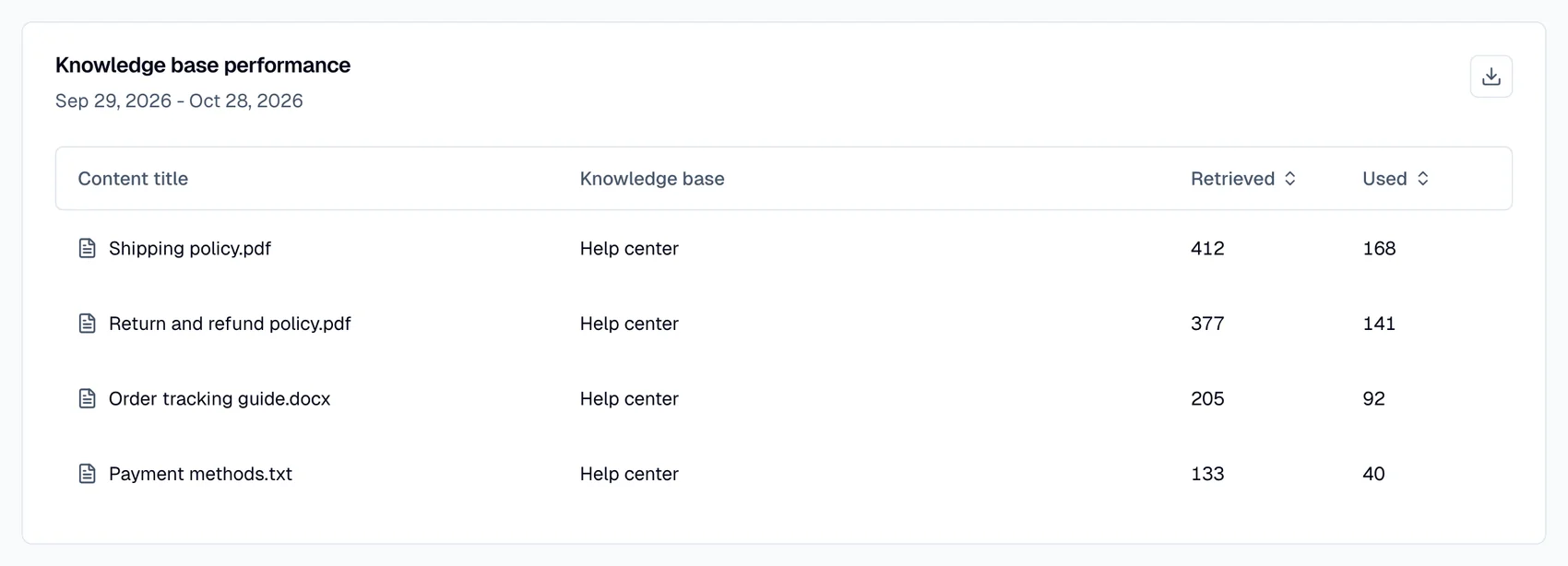
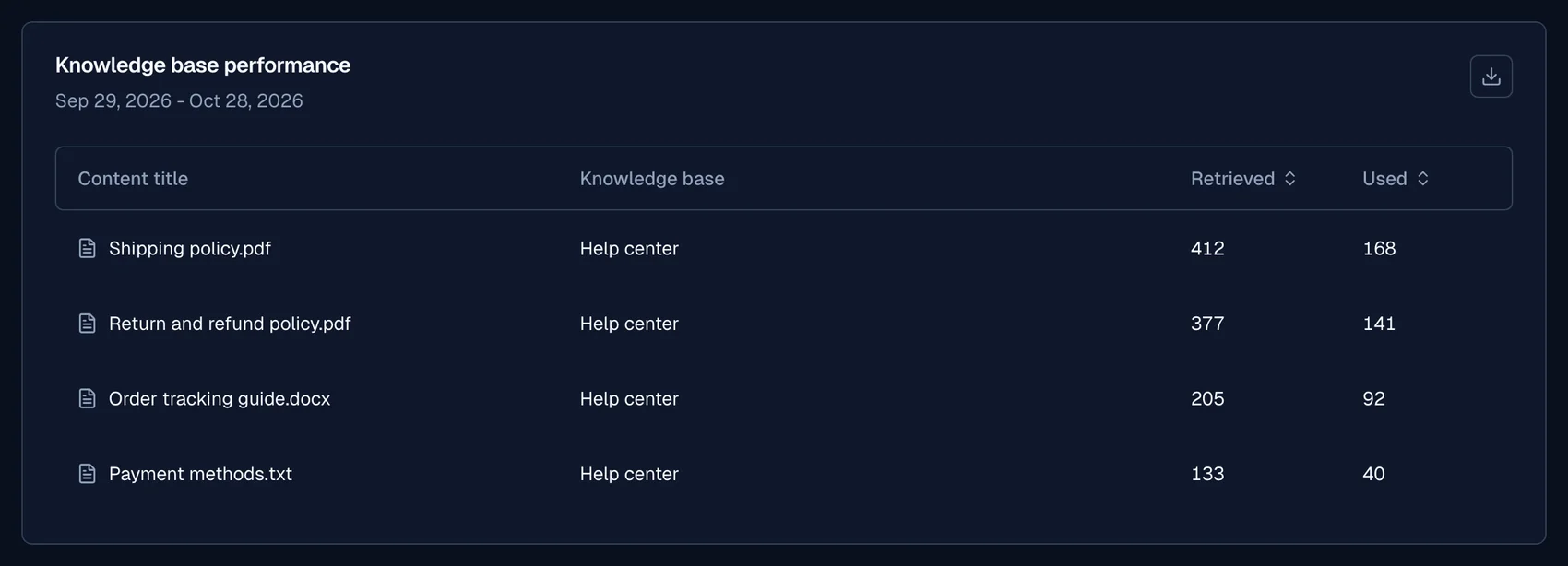
The Knowledge base performance table lists the knowledge base content that the AI agents used. For each Content title and Knowledge base, it shows how many times the content was Retrieved and Used. Sort the table by Retrieved or Used to find the content that helps the most.
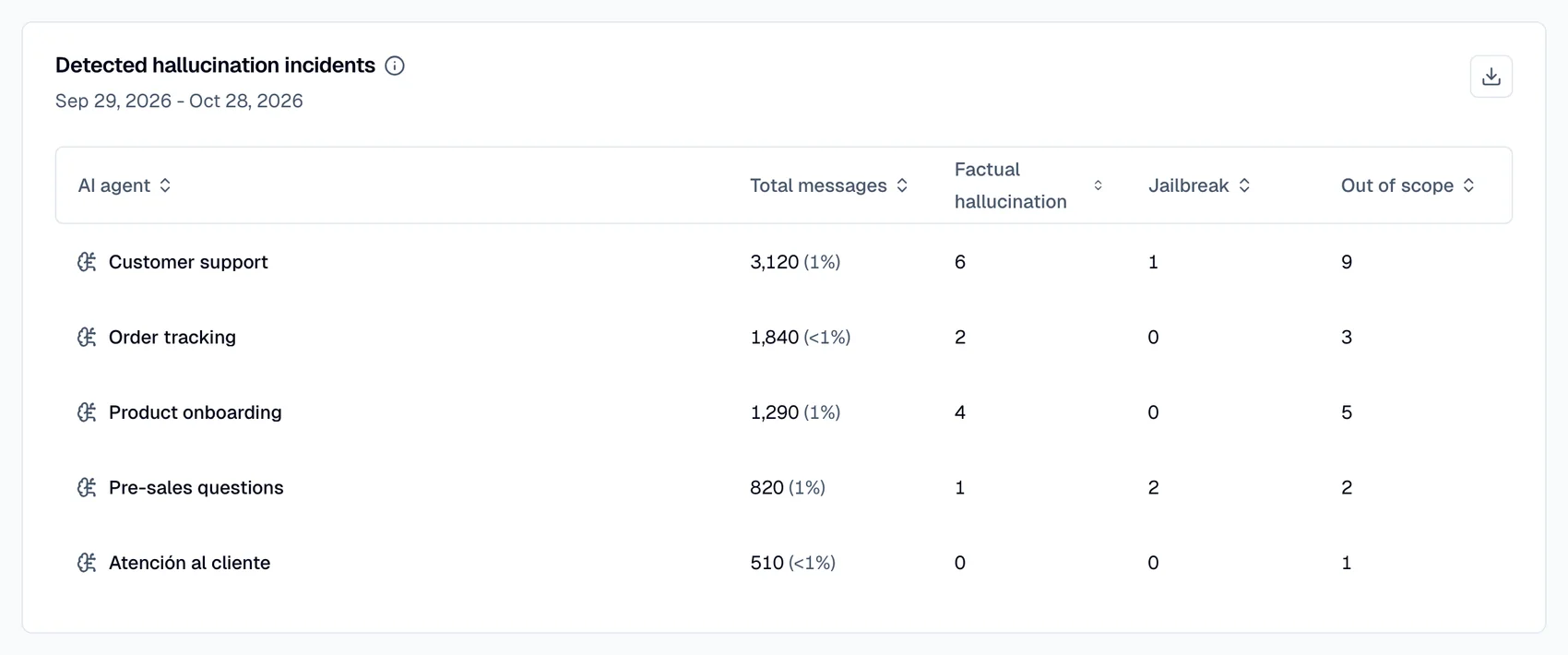
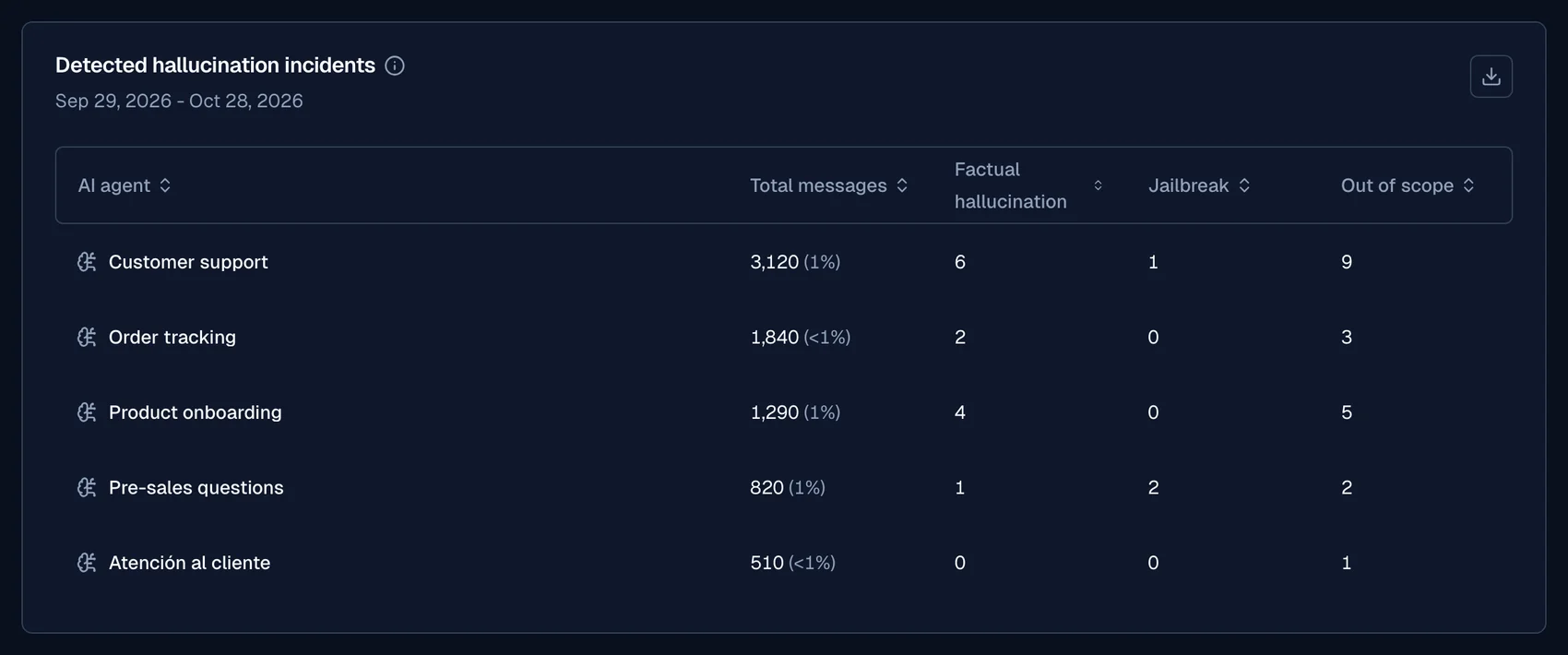
Detected hallucination incidents
The Detected hallucination incidents table lists, for each AI agent, the Total messages and the responses that the response evaluator caught. It counts three types: Factual hallucination, Jailbreak and Out of scope. The count includes the responses that a retry fixed automatically. Moveo started to record these detections recently, so older date ranges can show zero.
Insights
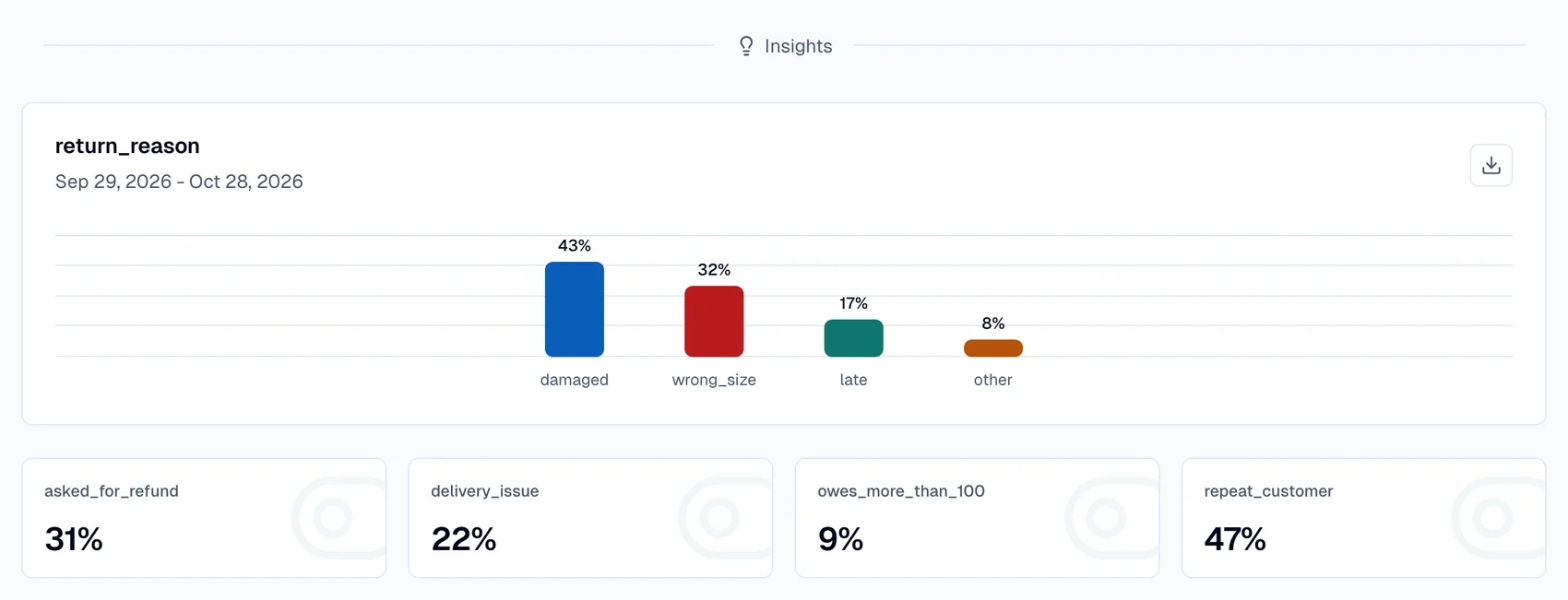
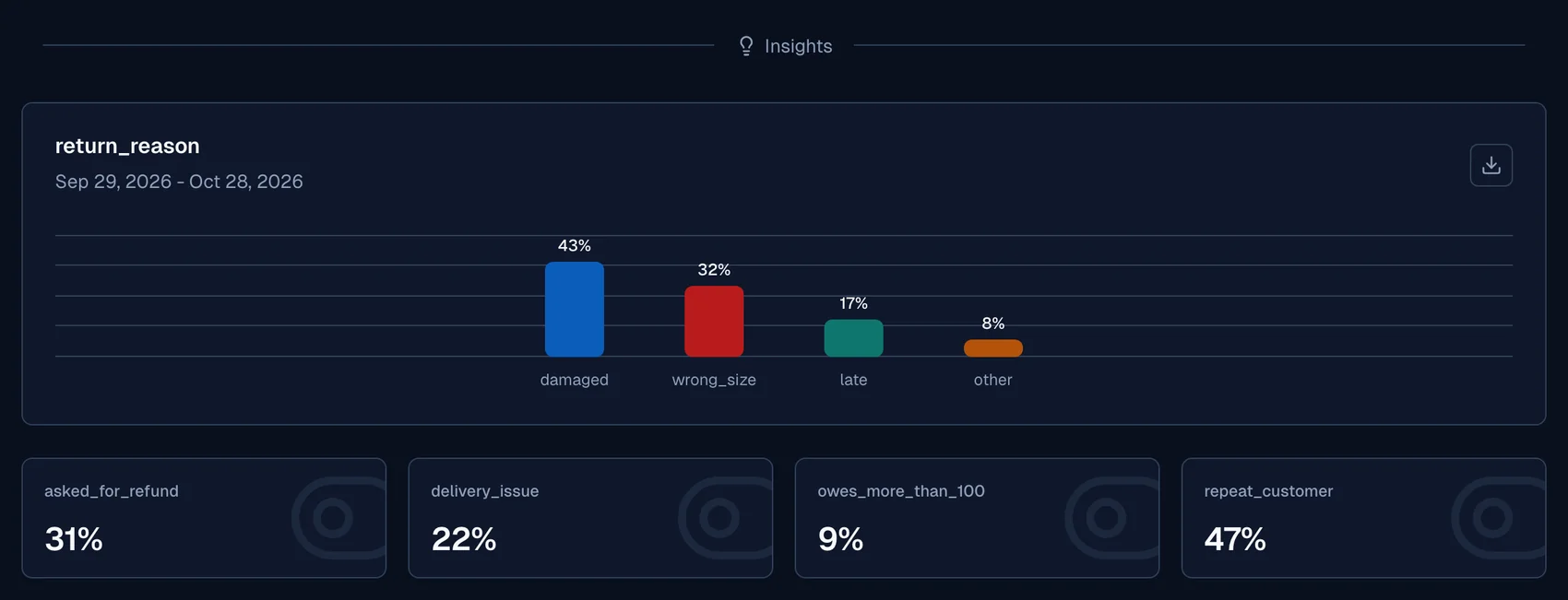
When you select one AI agent in the AI Agents filter, the page shows a card for each custom insight of that AI agent. When you select no AI agent, the page shows Insights view unavailable. Use Select agent to choose one.
Definitions
Containment
A contained conversation ends without a handover to a human agent. The Containment tile shows the percentage of contained conversations.
Coverage
In a covered conversation, the AI agent does not trigger the Unknown node. To find covered conversations, use the Coverage filter on the Conversations page.