Intent trigger
Use intent triggers to start a dialog directly from a user's message. When the AI Agent recognizes the intent behind the user's message, it activates the corresponding trigger and starts the respective dialog. An intent trigger is always connected to an intent, which signifies the activation of the trigger.
How to use an intent trigger
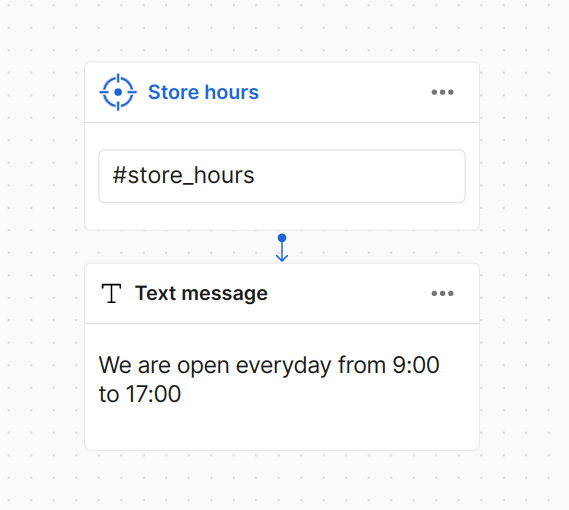
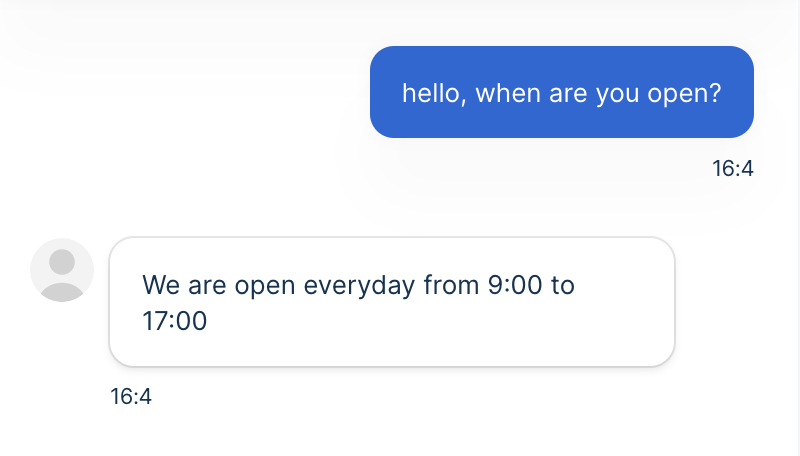
An intent trigger is connected with the intent #store_hours. When a user sends a message like
"When are you open?", the AI Agent identifies the intent as #store_hours and starts the
corresponding dialog.
| Dialog | Chat |
|---|---|
 |  |
Multilevel dialog
An intent trigger can also serve as a child node in a dialog. This means that the AI Agent
activates the trigger only when it is already inside the dialog of a parent node. The following
example shows a case in which the intent #affirmative is used as a parent and a child node.
- Parent node
- Parent dialog
- Child node
- Child dialog
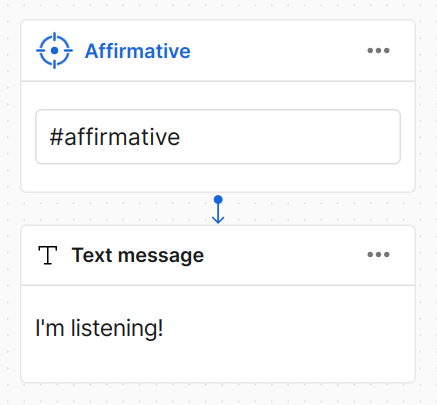
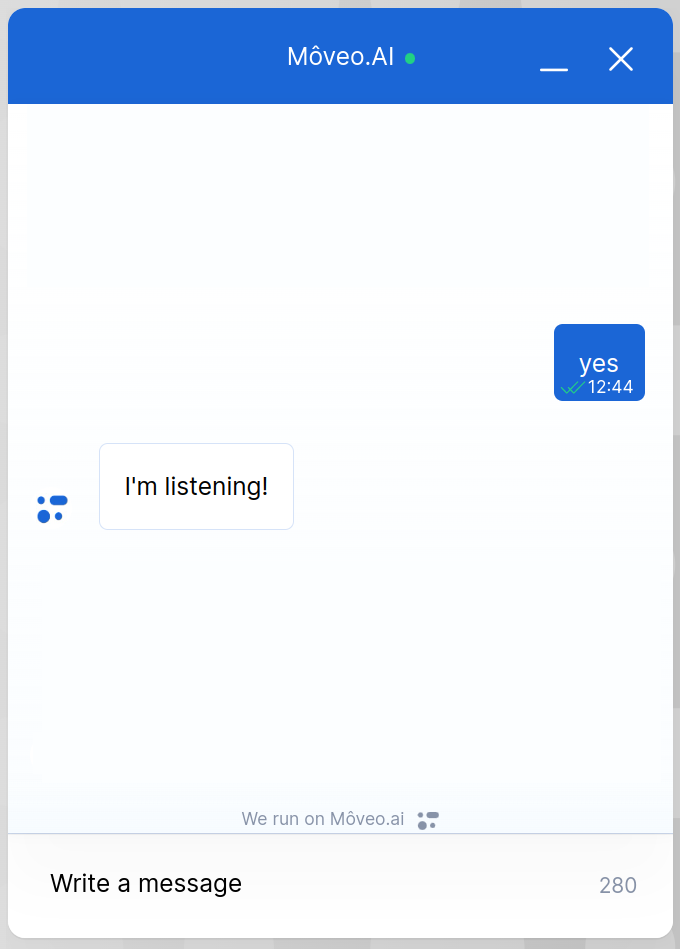
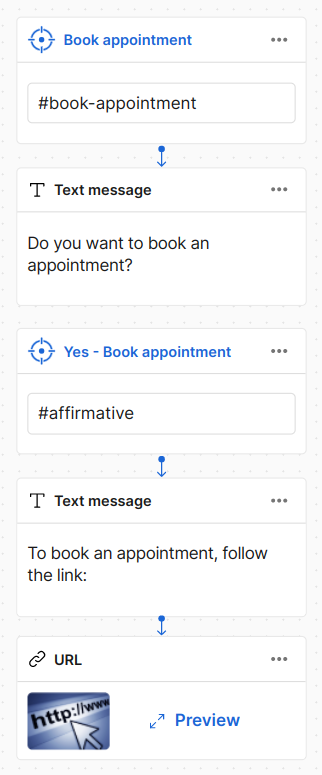
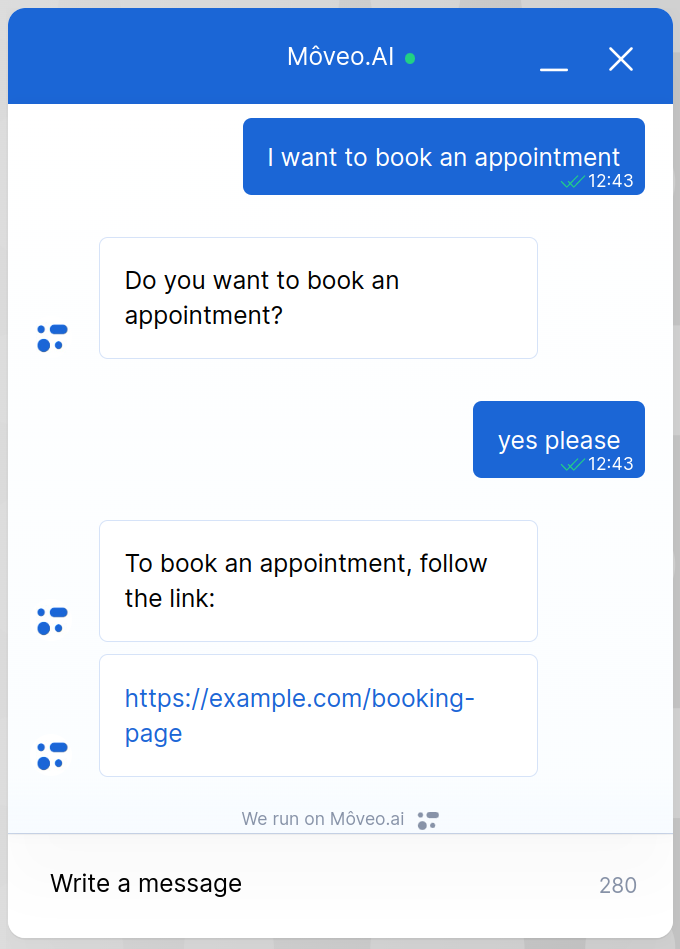
When #affirmative is the parent node, if the user types 'yes' the message 'I'm
listening!' comes up. However, when they ask about appointments and the AI Agent asks for
confirmation, given that #affirmative is a child node of the #appointments one, the response of
booking appointments comes up.