Human agents analytics
Overview
The Human Agents page shows how your human agents handle conversations in live chat. To open it, go to Analytics → Human Agents.
Filters and comparison
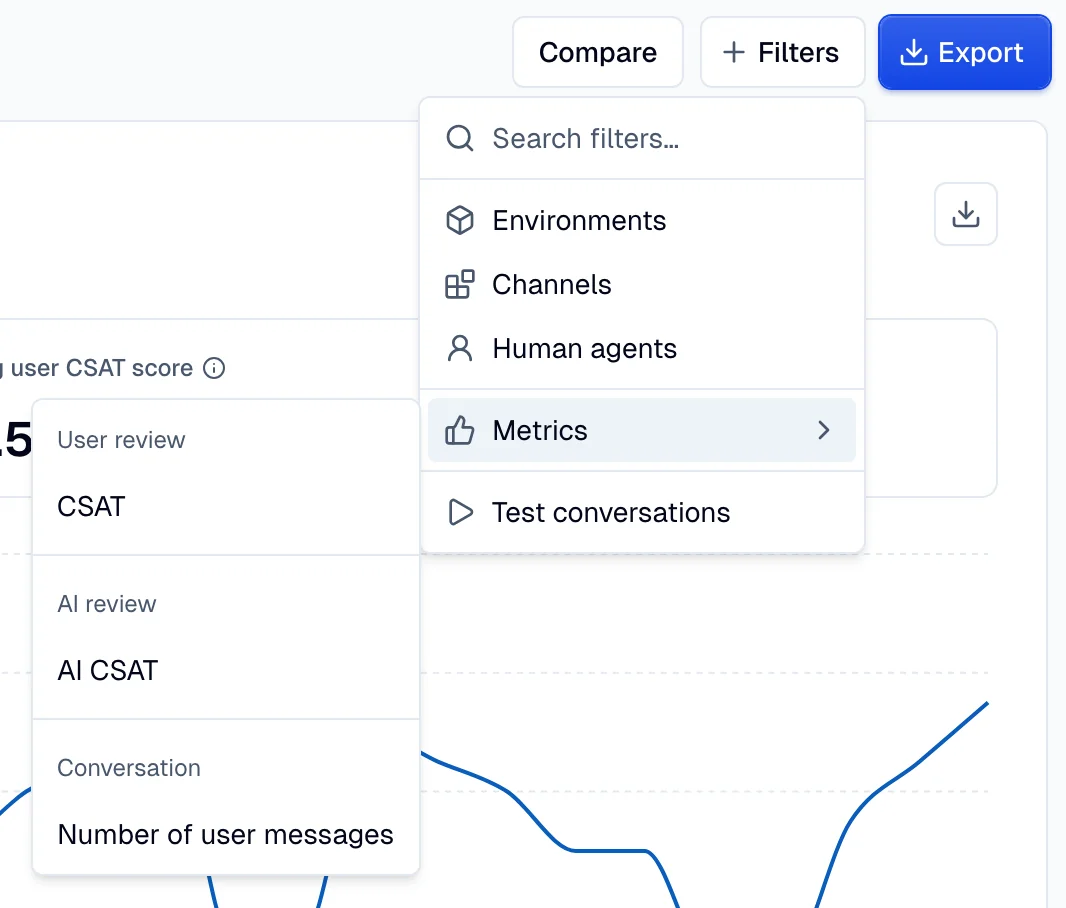
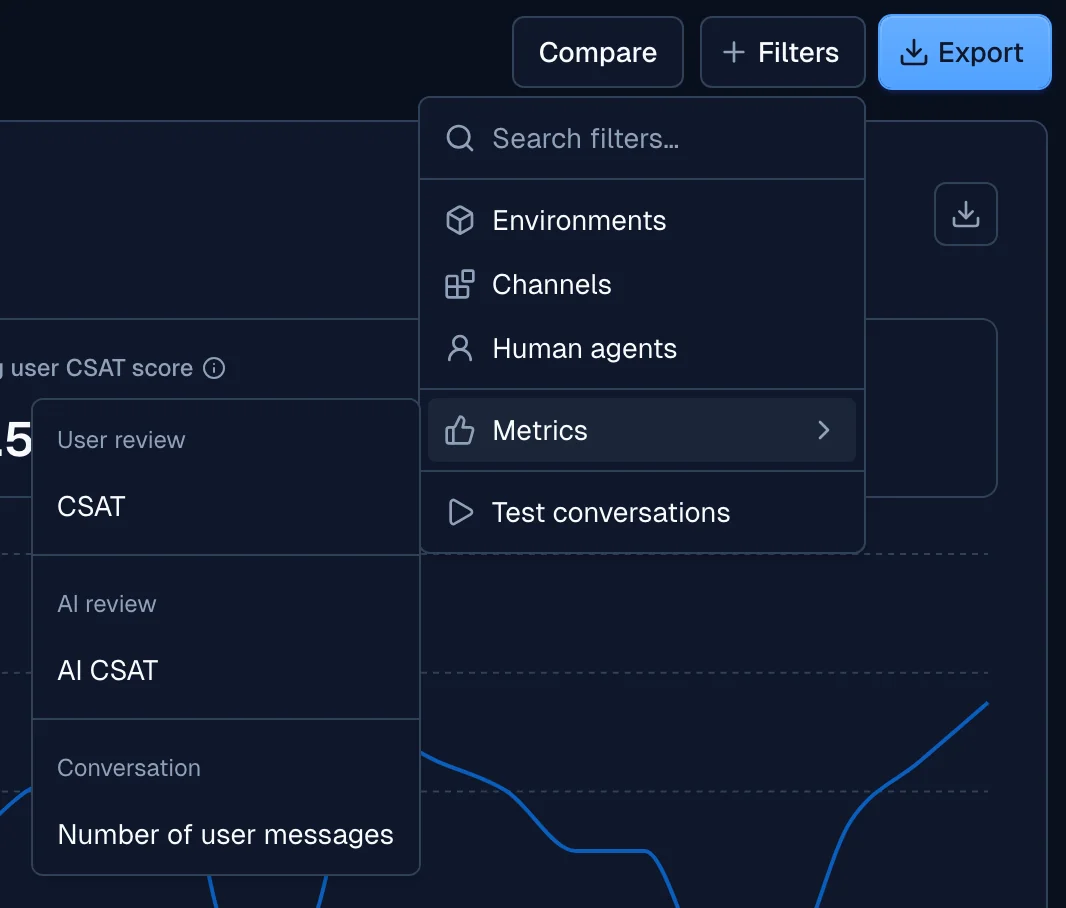
Use the date range and the filters at the top of the page to narrow the data. The page accepts these filters:
- Environments
- Channels
- Human agents
- Test conversations
- Metrics → Number of user messages
- Metrics → CSAT, in the User review group, for the rating that the user gives
- Metrics → AI CSAT, in the AI review group, for the score that the LLM gives
Select Compare to show the change from the previous period on the tiles and the charts. Use the export button to download the page data.
Human agents overview
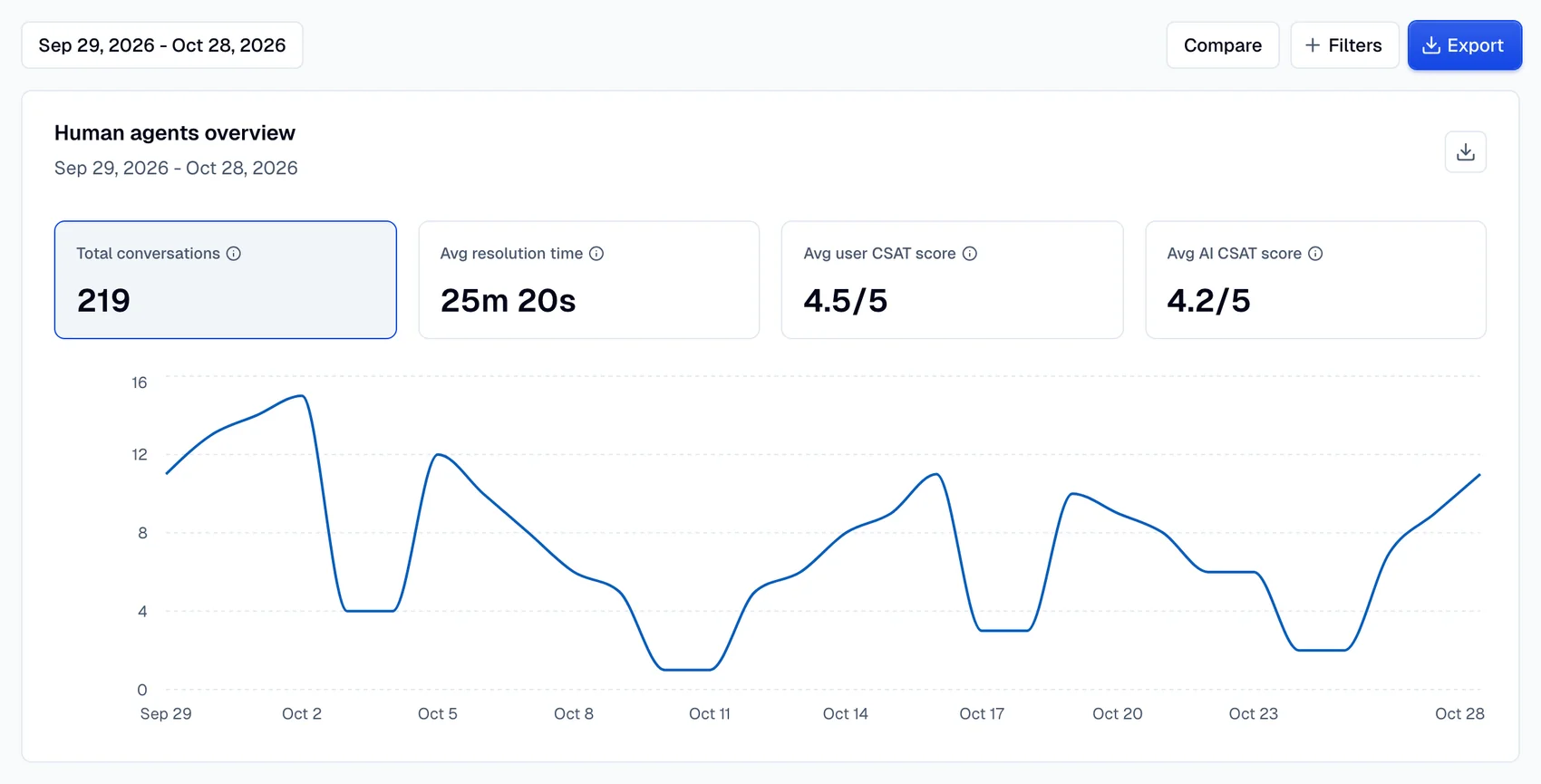
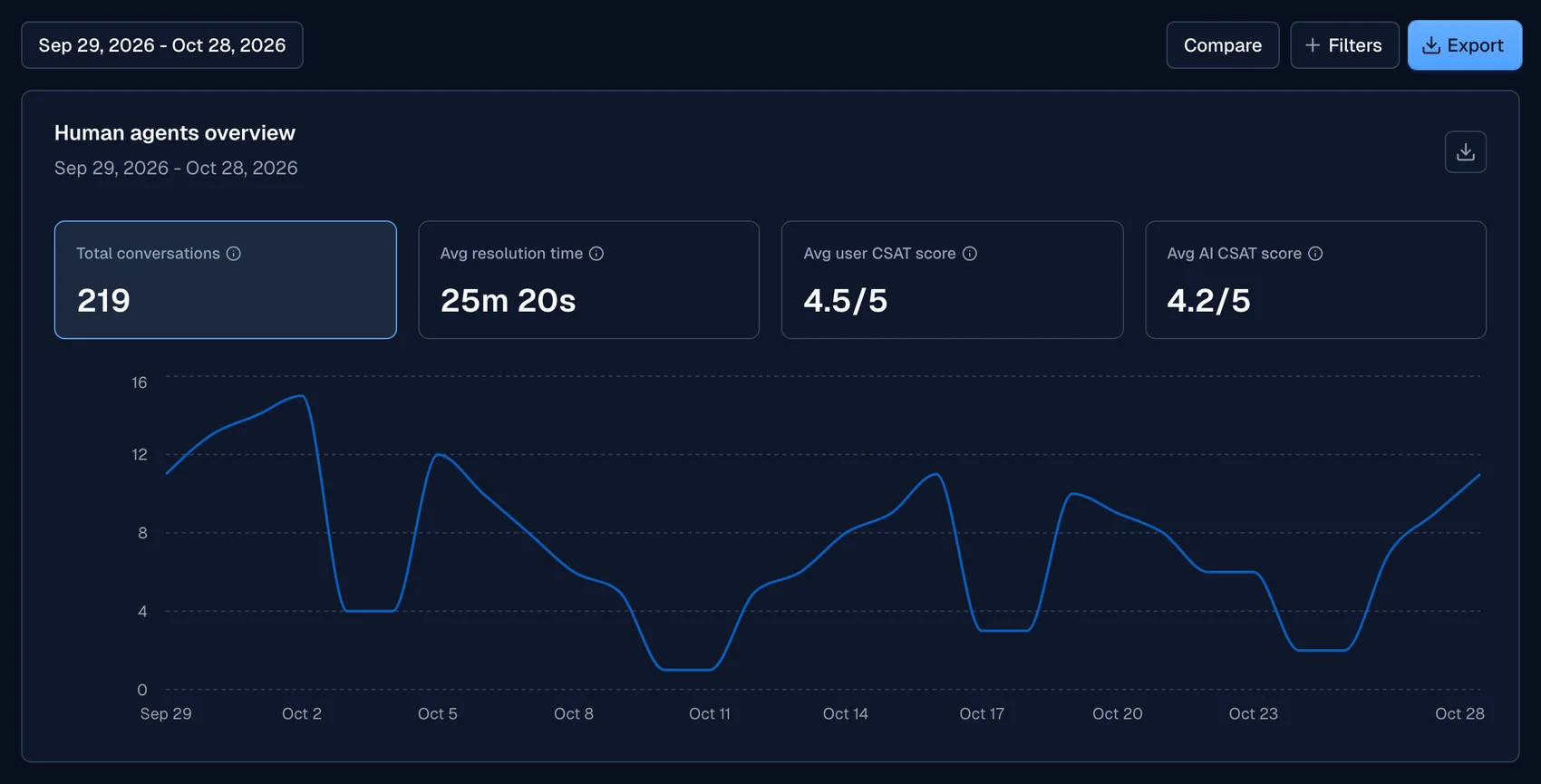
The Human agents overview card has four tiles:
| Tile | What it shows |
|---|---|
| Total conversations | The number of conversations that human agents handled in the selected period |
| Avg resolution time | The average time from the start of a conversation to its resolution |
| Avg user CSAT score | The average rating, from 1 to 5, that users give the human agent who served them |
| Avg AI CSAT score | The average score, from 1 to 5, that the LLM gives the human agent's part of the conversation |
Select a tile to show its metric in the chart. The chart shows only for date ranges of more than one day.
Human agents effectiveness
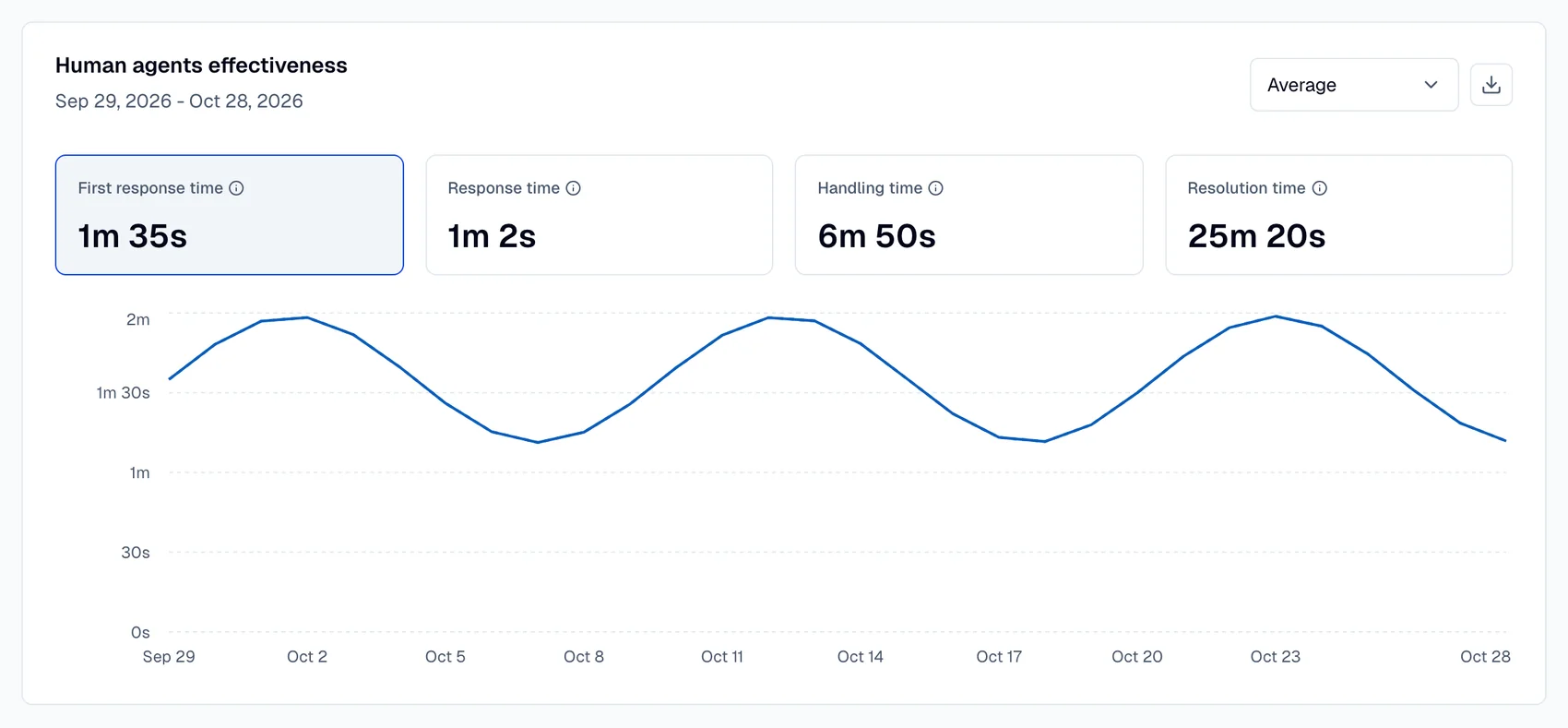
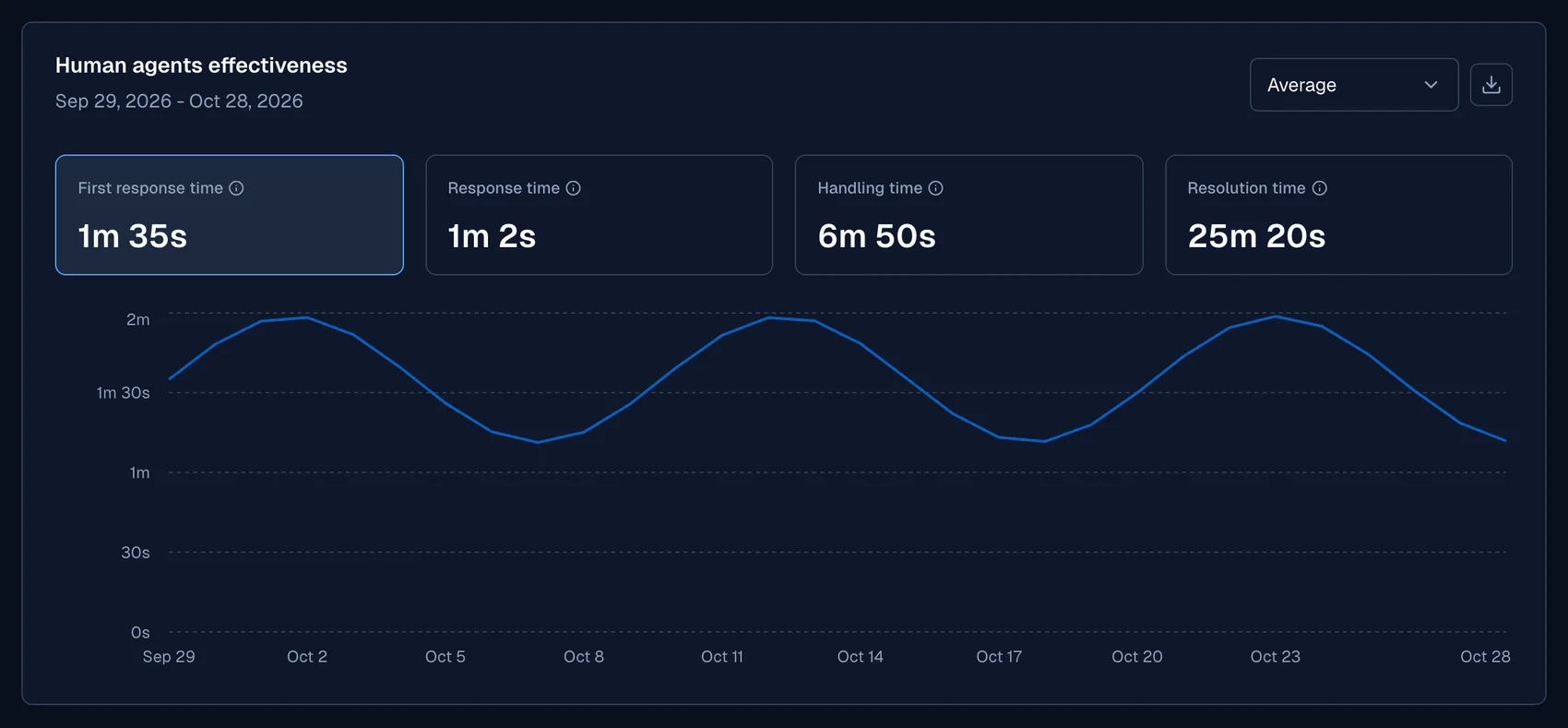
The Human agents effectiveness card shows four time metrics:
| Metric | What it measures |
|---|---|
| First response time | The time that the agent takes to send the first reply after the user's message |
| Response time | The reply time across all the agent replies in a conversation |
| Handling time | The time that an agent actively spends on conversations |
| Resolution time | The time from the start of a conversation to its resolution |
Select Average, Maximum, Median or Minimum to change how the card calculates the values. Select a metric to show it in the chart.
Use the Median for data with extreme values. For other data, use the Average.
Human agents performance
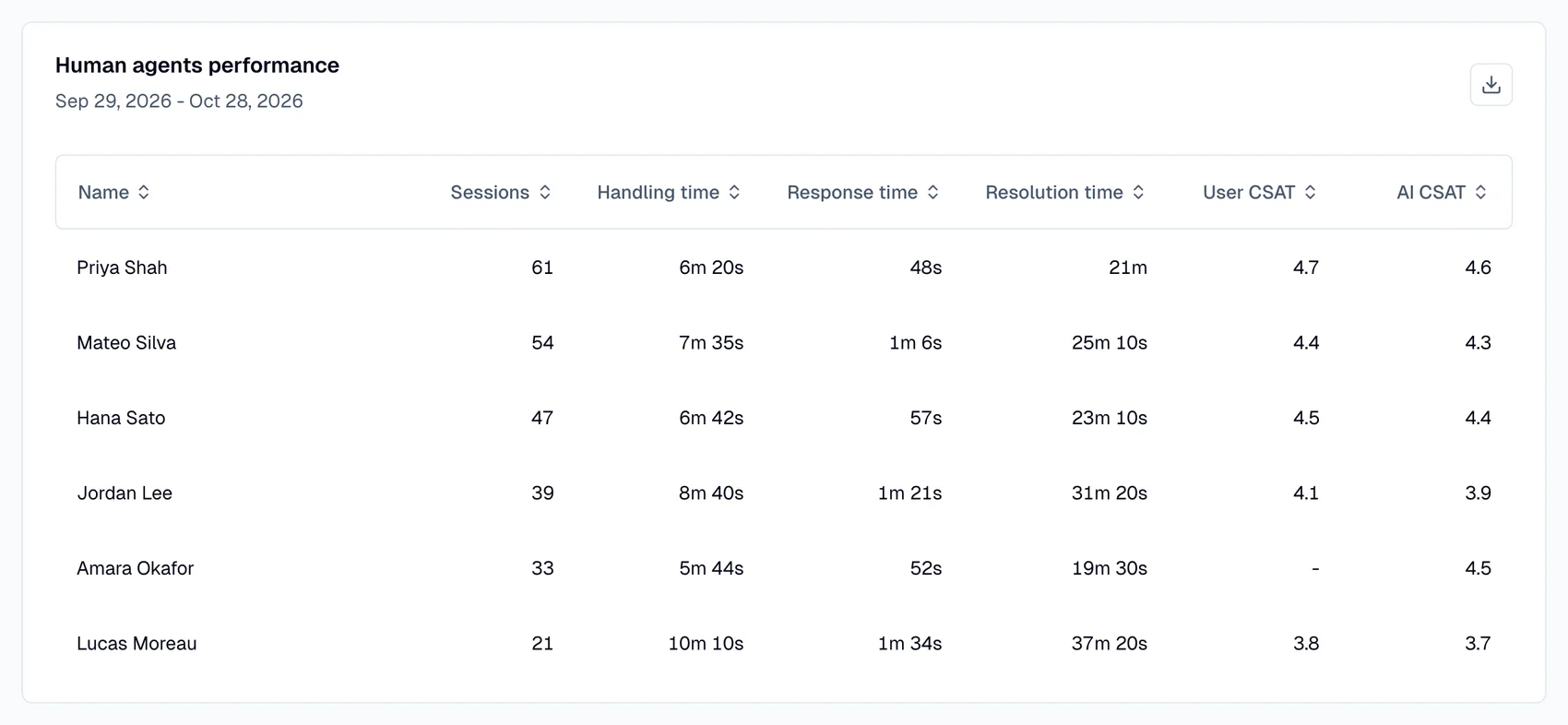
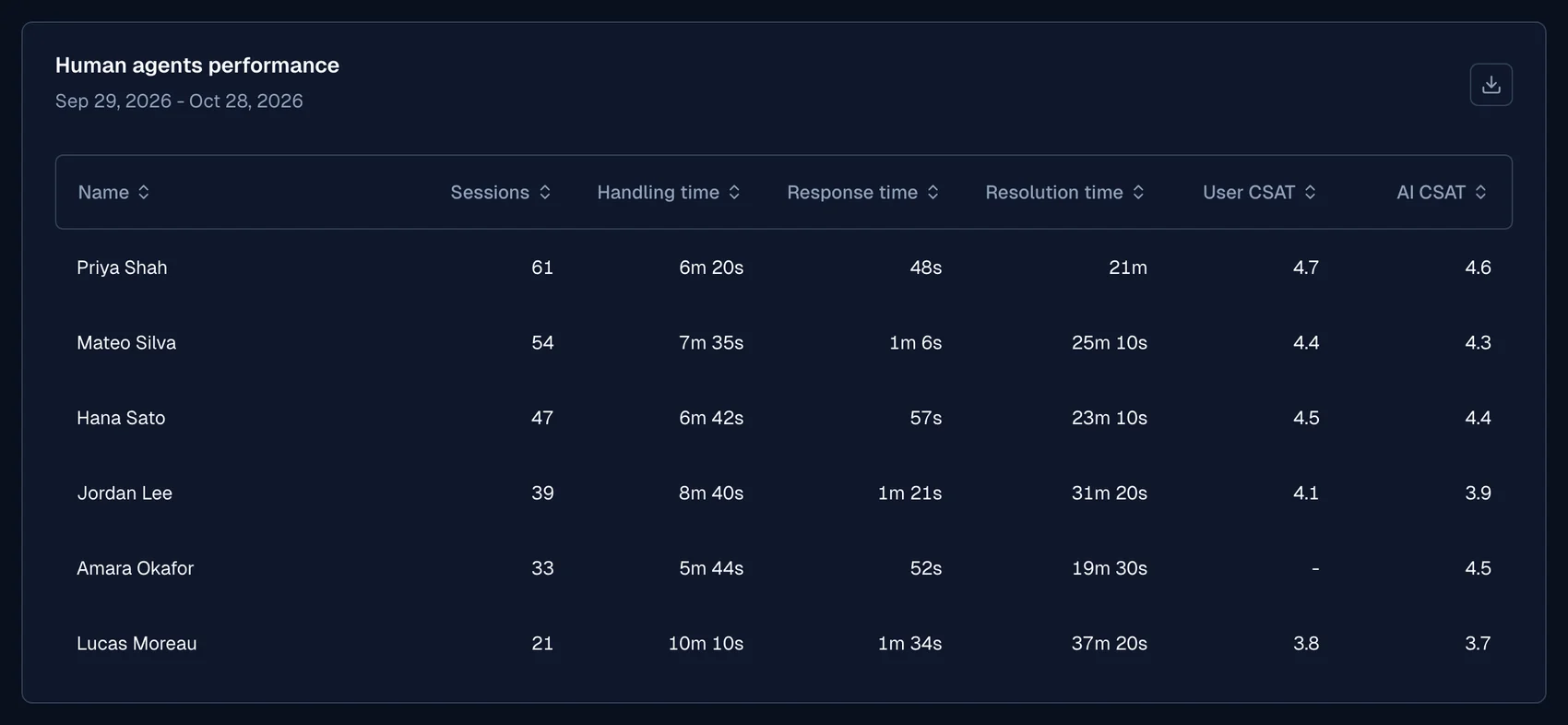
The Human agents performance table has one row for each agent. The columns are Name, Sessions, Handling time, Response time, Resolution time, User CSAT and AI CSAT. When more than one agent takes part in a conversation, the conversation counts for each of these agents.
User CSAT and AI CSAT
This page shows two separate satisfaction scores for human agents. It does not combine them.
- User CSAT is the rating that the user gives. See User CSAT and AI CSAT.
- AI CSAT is the score that the LLM gives the human agent's part of the conversation. The user does not give this score. See Insights.
A user rating goes to the human agent who served the user at the time of the rating. If an AI agent served the user at that time, the rating goes to the AI agent and does not show on this page. A user can rate one conversation more than once, with different agents. Then the tiles count the conversation once, and the table counts it once for each agent.
Filter by score
The CSAT and AI CSAT filters keep only the conversations whose score matches the filter. This applies to the tiles and the charts. With the CSAT filter, the table shows only the agents who received a matching user rating.