Resolve
Close a conversation automatically through the resolve action inside the AI agent.
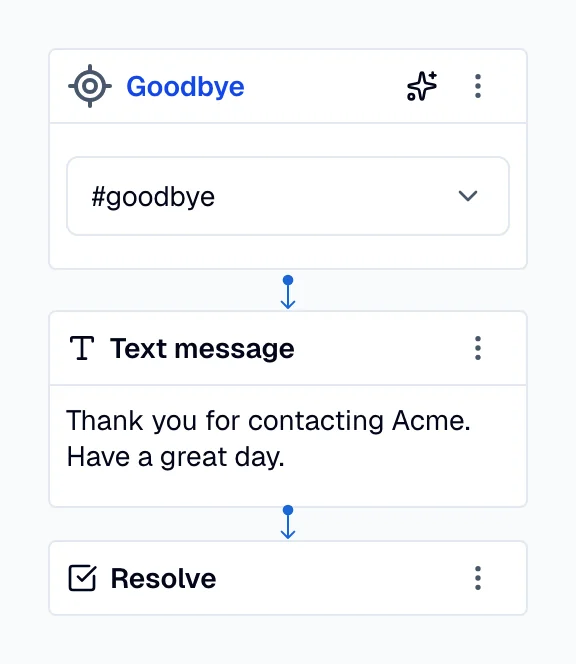
When the user triggers a resolve action, the AI agent performs the following actions:
- The assistant closes the conversation, always respecting the Keep alive setting at the environment level. This setting determines the duration, in seconds, after which resolved conversations expire and any additional user messages create a new conversation.
- The assistant displays the post-conversation survey if the user and the assistant have exchanged more than three messages.
- If you are using Zendesk Sunshine Conversations, the assistant passes control to the next integration in the switchboard without showing a survey.
Voice integrations
For voice integrations such as Twilio Voice and
Telnyx Voice, resolve hangs up the call. The platform ends
the call within a couple of seconds, whatever the environment's
keep alive value.
Add a Pause action of 1–2 seconds immediately before Resolve, so the caller hears the
final sentence of the AI agent in full before the line drops.
[ Text: "Thanks for calling. Goodbye." ]
[ Pause: 1s ]
[ Resolve ]